
No products in the cart.
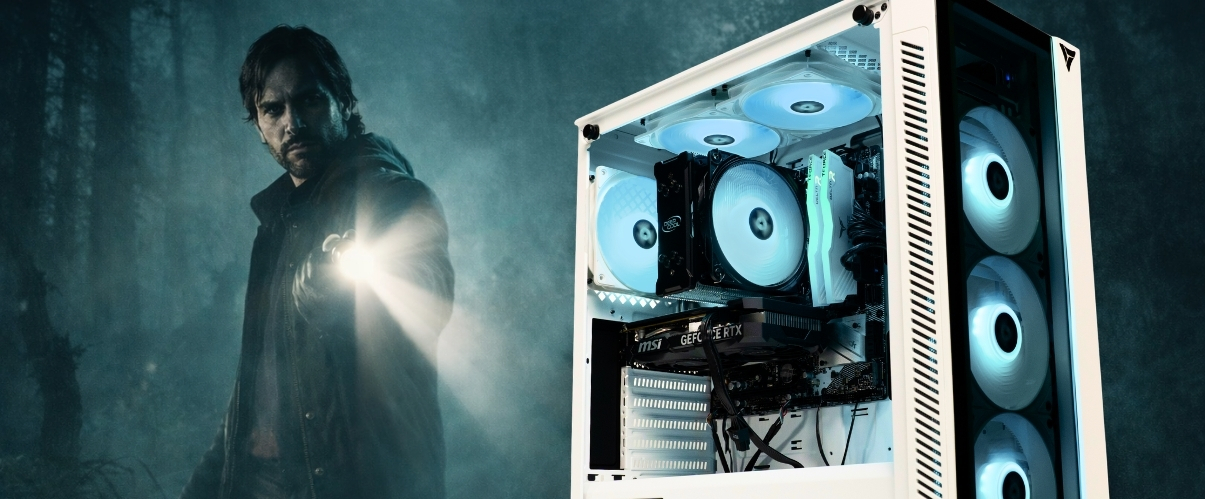
Best Gaming PC for Alan Wake 2
Step into Bright Falls with a PC built for heavy visuals, ray tracing support, and smoother performance.
Hardware
System Requirements
Official Alan Wake 2 PC requirements. This game is much heavier than a typical action title and leans hard on modern GPUs, SSD storage, and upscaling support for smoother play.
Minimum Requirements
OSWindows 10 or 11 64-bit
CPUIntel Core i5-7600K or AMD equivalent
RAM16 GB
GPUGeForce GTX 1070 or Radeon RX 5600 XT
Storage90 GB SSD
Recommended Requirements
OSWindows 10 or 11 64-bit
CPUAMD Ryzen 7 3700X or Intel equivalent
RAM16 GB
GPUGeForce RTX 3060 or Radeon RX 6600 XT
Storage90 GB SSD
Alan Wake 2 Gaming PCs
Recommended Gaming PCs for Alan Wake 2
Alan Wake 2 is much more demanding than most action games, so stronger GPUs matter a lot more here, especially once you move to higher settings or ray tracing.
$50 Off

Recommended
$150 Off
Core Model · Mid Tier
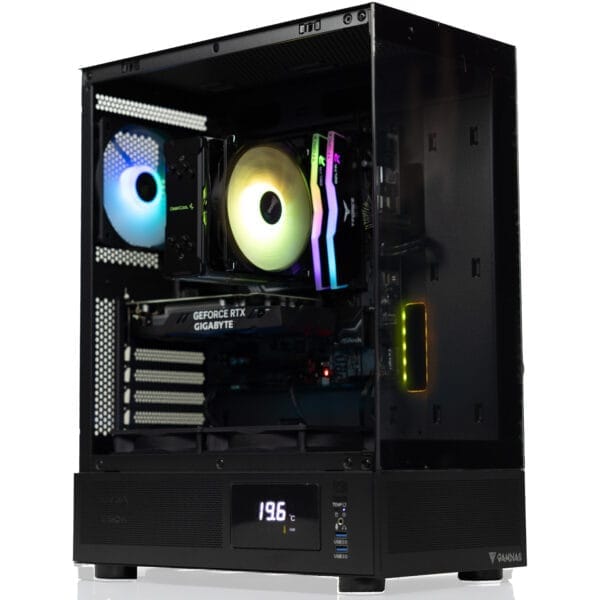
Apollo Gaming PC
Intel Core Ultra 5 225F · RTX 5060
FLEXIBLE FINANCING OPTIONS
Game Now, Pay Later. Secure your dream gaming PC today. Pay over time with Affirm or Bread Pay. Easy approval, flexible terms. Select at checkout.


Alan Wake 2 FPS Benchmarks
GPU Performance at 1080p, 1440p & 4K
Alan Wake 2 is one of the most GPU-heavy modern single-player games, especially once ray tracing enters the picture. These estimates are positioned for non-ray-traced Ultra-style play on a strong CPU platform and show how much more demanding this game is than a typical action adventure release.
| GPU | Series | 1080p High | 1440p High | 4K High |
|---|---|---|---|---|
| RTX 5090 | RTX 50 | |||
| RTX 5080 | RTX 50 | |||
| RTX 5070 Ti | RTX 50 | |||
| RTX 5070 | RTX 50 | |||
| RTX 5060 Ti | RTX 50 | |||
| RTX 5060 | RTX 50 | |||
| RTX 4090 | RTX 40 | |||
| RTX 4080 Super | RTX 40 | |||
| RTX 4070 Ti Super | RTX 40 | |||
| RTX 4070 Super | RTX 40 | |||
| RTX 4070 | RTX 40 | |||
| RTX 4060 Ti | RTX 40 |
Benchmark Conditions: Modeled for Alan Wake 2 using high-end CPU headroom and non-ray-traced High settings. Remedy’s official spec guidance already leans on upscaling, which tells you how demanding this game is compared with most modern single-player releases.
Analysis
CPU vs GPU Dependency
CPU Benchmark Guide
Best CPUs for Alan Wake 2
Alan Wake 2 is far more about GPU muscle than raw CPU power, but you still want a strong enough processor to avoid pairing a modern graphics card with an outdated platform. A good mid-range or better CPU keeps the experience smoother and makes more sense for the kind of hardware this game usually demands.
Ryzen 7 9800X3D
S-TIERIf you are building a premium Alan Wake 2 system, this gives you all the CPU headroom you could want. It will not magically fix a weak GPU in this game, but it pairs perfectly with high-end cards and keeps the platform strong for everything else.
Best paired with: RTX 5070 Ti · RTX 5080 · RTX 5090
Top-tier option for a flagship build.
Ryzen 7 9700X
S-TIERA very smart fit for Alan Wake 2 because it gives you modern platform support, strong per-core performance, and enough headroom for the GPUs most people will actually use in this game.
Best paired with: RTX 5060 Ti · RTX 5070 · RTX 4070 Super
Excellent modern sweet-spot choice.
Ryzen 7 3700X
A-TIERThis is the official recommended-class CPU for Alan Wake 2 and still a useful reference point for what the game wants. It is enough to support a capable GPU, though newer CPUs offer better long-term value.
Best paired with: RTX 3060 · RTX 4060 Ti · RX 6600 XT
Strong baseline for the official spec target.
Ryzen 5 9600X
B-TIERA strong value option if you want a modern platform without overspending on the processor. Great for pairing with mid-range NVIDIA cards in a build aimed at 1080p or balanced 1440p Alan Wake 2 play.
Best paired with: RTX 5060 · RTX 5060 Ti · RTX 4070
Best value pick for a new build.
Core Ultra 7 265K
A-TIERA strong Intel route for people who want a premium gaming and productivity machine. It has more than enough CPU performance for Alan Wake 2 and makes sense when paired with stronger RTX cards.
Best paired with: RTX 5070 · RTX 5070 Ti · RTX 5080
Strong Intel choice for higher-end builds.
Ryzen 5 5500
B-TIERThis can still run Alan Wake 2 when paired sensibly, but it is more of a budget compromise than an ideal long-term platform. Fine for getting in the game, not the best match for a premium graphics card.
Best paired with: RTX 3050 · RTX 3060 · RTX 4060
Budget option for entry-level play.
Popular Alan Wake 2 CPU + GPU Combos: Ryzen 7 3700X + RTX 3060 · Ryzen 5 9600X + RTX 5060 Ti · Ryzen 7 9700X + RTX 5070 · Core Ultra 7 265K + RTX 5070 Ti · Ryzen 7 9800X3D + RTX 5080 · Ryzen 7 9800X3D + RTX 5090
Choose your CPU + GPU combo
VRLA Tech lets you select your CPU, GPU, RAM, and cooling. Every build is configured, tested, and shipped from Los Angeles.
FAQ
Alan Wake 2 PC — Common Questions
Everything you need to know about running, building, and optimizing a PC for Alan Wake 2.
What are the minimum PC requirements for Alan Wake 2?
⌄
Minimum spec is Windows 10 or 11 64-bit, an Intel Core i5-7600K or AMD equivalent, 16GB of RAM, a GeForce GTX 1070 or Radeon RX 5600 XT, and 90GB of SSD storage.
What are the recommended specs for Alan Wake 2?
⌄
The recommended target uses a Ryzen 7 3700X or Intel equivalent, 16GB RAM, a GeForce RTX 3060 or Radeon RX 6600 XT, and a 90GB SSD. That gives you a much better starting point for smoother play than the minimum tier.
Is Alan Wake 2 more CPU or GPU intensive?
⌄
Alan Wake 2 is much more GPU-intensive than CPU-intensive. A decent CPU matters, but the graphics card is what usually decides whether the game feels smooth, especially at higher settings and resolutions.
Does Alan Wake 2 require an SSD?
⌄
Yes. Alan Wake 2 officially requires 90GB of SSD storage. This is not one of those games where an old hard drive is a good idea.
Can an RTX 3050 run Alan Wake 2?
⌄
An RTX 3050 is below what most people would want for Alan Wake 2. It may run with reduced settings and help from upscaling, but this is not the ideal game for a lower-end card if you care about image quality and smoother performance.
Can an RTX 5060 or RTX 5060 Ti handle Alan Wake 2?
⌄
Yes, but the RTX 5060 Ti is the safer pick. Alan Wake 2 is demanding enough that the extra GPU headroom matters, especially if you want better settings or plan to move beyond 1080p.
How much RAM do I need for Alan Wake 2?
⌄
Alan Wake 2 officially calls for 16GB of RAM even at minimum spec. That already tells you this game expects more from your system than a lot of other titles.
What settings affect FPS the most in Alan Wake 2?
⌄
Resolution, ray tracing, heavy lighting effects, and upscaling mode are the biggest performance movers. In Alan Wake 2, these choices can change the whole experience more than small texture tweaks ever will.
Is Alan Wake 2 hard to run at 1440p?
⌄
Yes. Alan Wake 2 is a genuinely demanding 1440p game compared with most titles. A stronger mid-range or high-end GPU makes a major difference here.
Is Alan Wake 2 worth playing with ray tracing on?
⌄
Visually, yes. Performance-wise, it is expensive. Ray tracing in Alan Wake 2 can dramatically increase GPU demand, so it is best used when you already have a strong RTX-class card and realistic expectations.
What is the best CPU for Alan Wake 2?
⌄
The best CPU is one that makes sense with the GPU you are buying. A Ryzen 7 9800X3D is excellent, but for Alan Wake 2 alone, a strong modern mid-range CPU is usually enough because the graphics card matters more.
What VRLA Tech PC should I buy for Alan Wake 2?
⌄
The Legacy Gaming PC is more of a lower-end starting point, the Apollo is the better fit for a modern Alan Wake 2 setup, and the Custom Mid Range PC is the smartest option if you want to choose a stronger GPU for better settings and longer-term value.
Ready to build your Alan Wake 2 PC?
Custom gaming PCs optimized for your resolution, settings, and budget. Built and shipped from Los Angeles, fully tested and ready to play.
+
Additional Information
⌄
Alan Wake 2 on PC is one of the most demanding modern single-player releases, especially if you care about visual quality. It is the kind of game people search when looking up best PC for Alan Wake 2, can my PC run Alan Wake 2, Alan Wake 2 system requirements, Alan Wake 2 recommended specs, and Alan Wake 2 FPS benchmarks.
What kind of PC do you really need for Alan Wake 2?
Alan Wake 2 is not a light game. Even the official minimum and recommended specs point to stronger hardware than many players expect. This is a title where a better GPU and SSD are not just nice extras. They are a major part of getting a good experience.
- Entry-level play — You can get in the game with lower-end hardware, but settings and image quality compromises come quickly.
- Balanced 1080p to 1440p — A card in the RTX 5060 Ti, RTX 5070, RTX 3060, or RTX 4070 range makes much more sense here.
- Higher-end visual target — If you want stronger settings, smoother 1440p, or a better shot at 4K, moving into RTX 5070 Ti, RTX 5080, RTX 4090, or RTX 5090 territory helps a lot.
Why Alan Wake 2 is harder to run than most games
Remedy built Alan Wake 2 to push visual quality hard. Lighting, effects, environmental detail, and ray tracing options all add to the hardware demand. That is why the GPU matters so much more here than in a lighter action title.
Best upgrades for better Alan Wake 2 performance
- GPU upgrade — The biggest single improvement for better FPS and image quality.
- SSD storage — Mandatory for the game and important for overall responsiveness.
- 16GB or more of RAM — Already part of the official spec and worth treating as the baseline.
- Modern CPU platform — Helps keep the system balanced and gives better long-term value for future games.
If your goal is to play Alan Wake 2 without constantly fighting your settings menu, a balanced modern PC is the way to go. For many buyers, that means skipping the weakest possible configuration and choosing a system with a stronger GPU from the start.



