
No products in the cart.
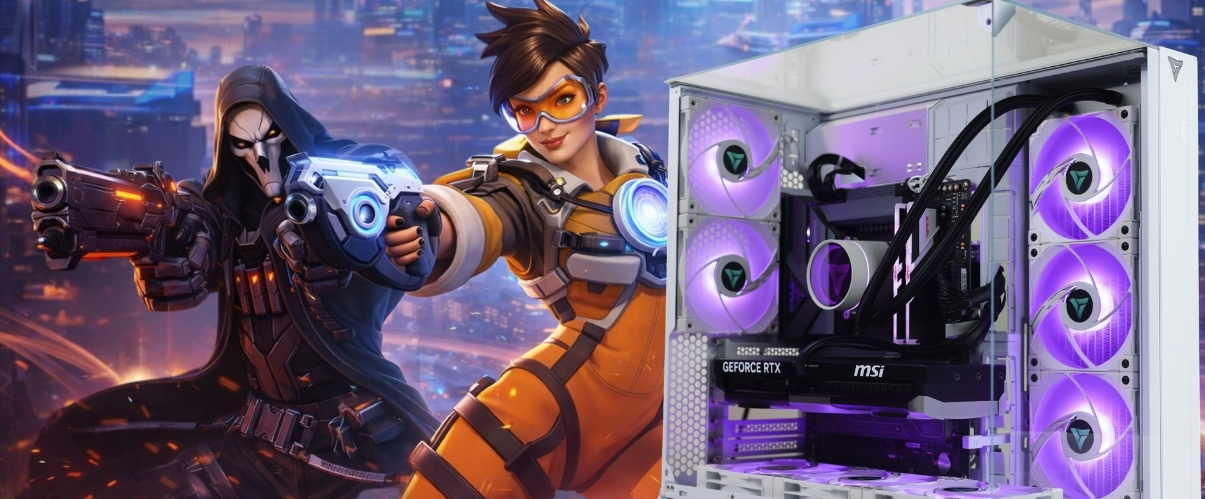
Best Gaming PC for Overwatch 2
Climb the ranks with a PC built for high FPS, fast response times, and zero frame drops.
Hardware
System Requirements
Official Overwatch 2 specs for 2026. Minimum to run the game — recommended for competitive 144Hz+ play.
Minimum Requirements
OSWindows 10 64-bit
CPUIntel Core i3-6100 / AMD Ryzen 3 1300X
RAM8 GB
GPUNVIDIA GeForce GTX 600 / AMD Radeon HD 7000
Storage50 GB
Recommended Requirements
OSWindows 11 64-bit
CPUIntel Core i7-8700K / AMD Ryzen 7 2700X
RAM16 GB
GPUNVIDIA GeForce GTX 1060 / AMD Radeon RX 6400
Storage50 GB SSD
Overwatch 2 Gaming PCs
Recommended Gaming PCs for Overwatch 2
Every build includes Windows 11, full cable management, and stress-tested components. Shipped from Los Angeles.
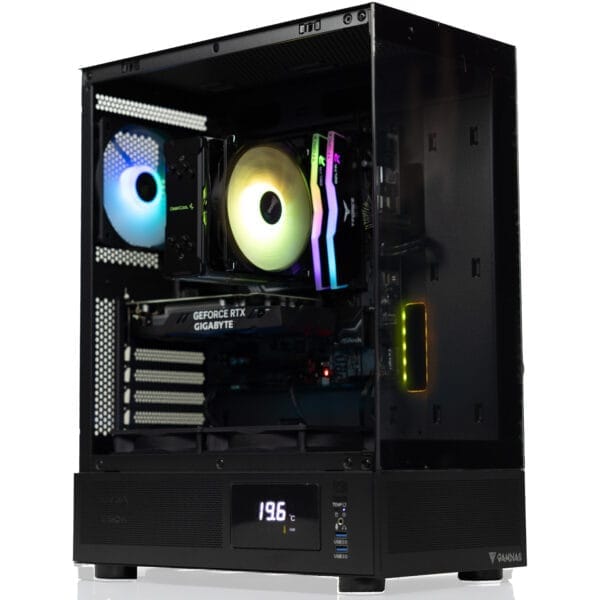
$50 Off

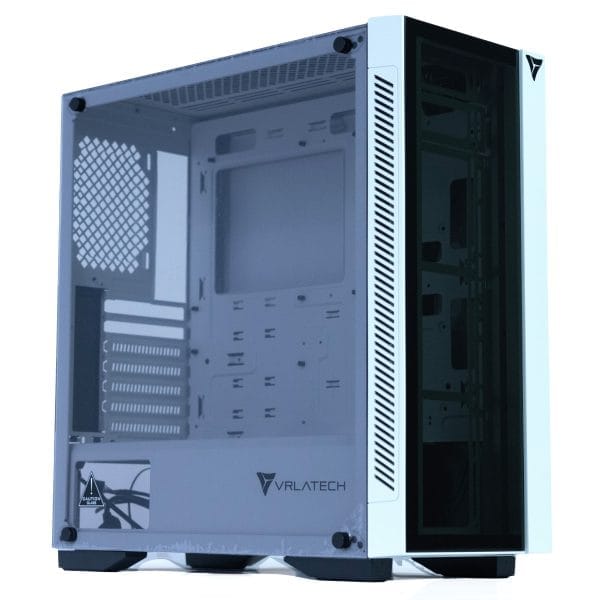
Recommended
$150 Off
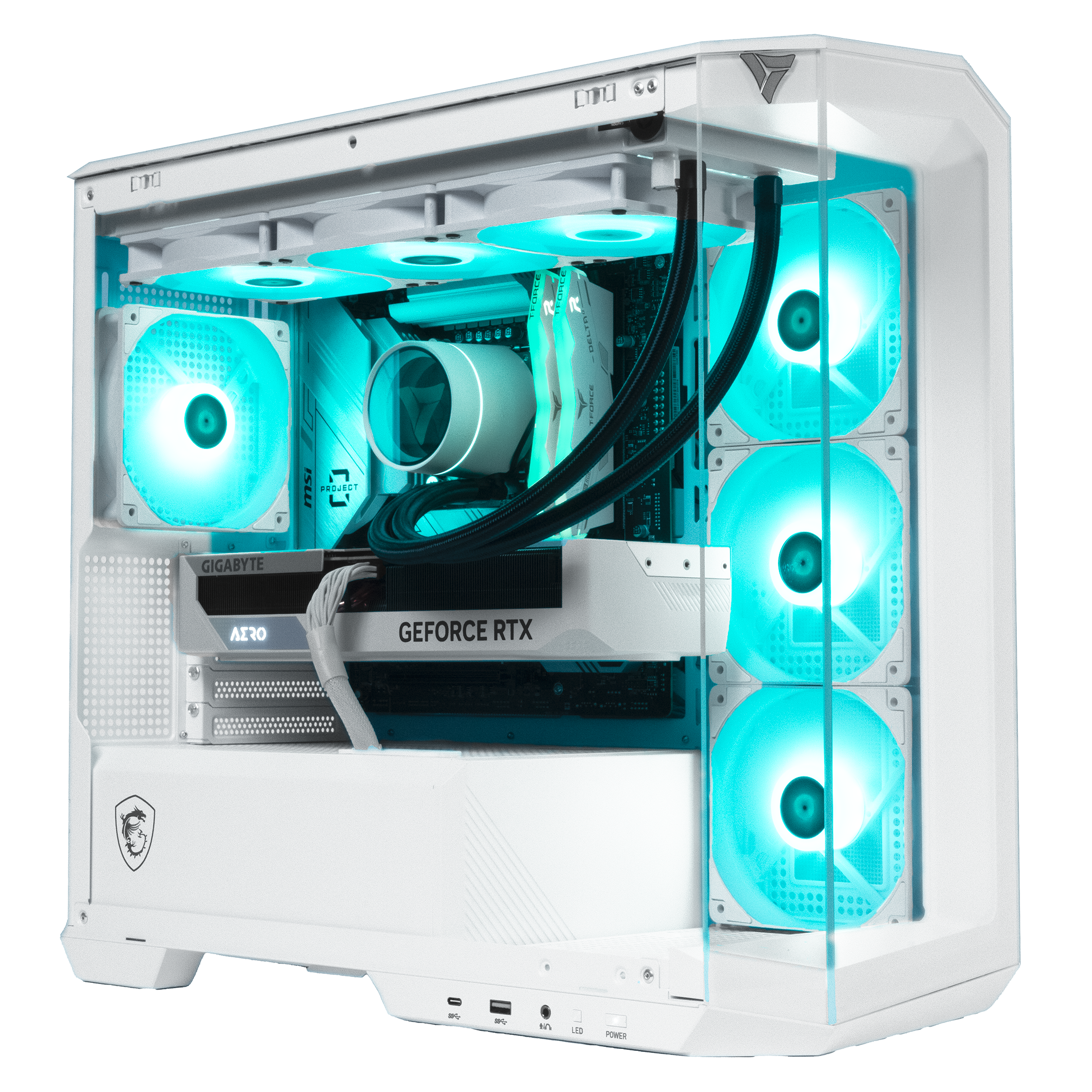
Core Model · Mid Tier
Apollo Gaming PC
Intel Core Ultra 5 225F · RTX 5060
FLEXIBLE FINANCING OPTIONS
Game Now, Pay Later. Secure your dream gaming PC today. Pay over time with Affirm or Bread Pay. Easy approval, flexible terms. Select at checkout.


Overwatch 2 FPS Benchmarks
GPU Performance at 1080p, 1440p & 4K
See how today's most popular GPUs handle Overwatch 2 at every resolution on Ultra settings. OW2 is a well optimized title even mid-range GPUs push very high frame rates. The CPU becomes the primary bottleneck at 240Hz and above. Filter by generation below.
| GPU | Series | 1080p Ultra | 1440p Ultra | 4K Ultra |
|---|---|---|---|---|
| RTX 5090 | RTX 50 | |||
| RTX 5080 | RTX 50 | |||
| RTX 5070 Ti | RTX 50 | |||
| RTX 5070 | RTX 50 | |||
| RTX 5060 Ti | RTX 50 | |||
| RTX 5060 | RTX 50 | |||
| RTX 4090 | RTX 40 | |||
| RTX 4080 Super | RTX 40 | |||
| RTX 4070 Ti Super | RTX 40 | |||
| RTX 4070 Super | RTX 40 | |||
| RTX 4070 | RTX 40 | |||
| RTX 4060 Ti | RTX 40 |
Benchmark Conditions: Tested with Ryzen 7 9800X3D · 32GB DDR5 · Ultra settings · DirectX 11. OW2 is well-optimized and CPU-bound at 1080p on fast GPUs. FPS figures are averages. 1% lows are typically 10–15% below average during team fights. GPU matters most at 1440p and 4K.
Analysis
CPU vs GPU Dependency
CPU Benchmark Guide
Best CPUs for Overwatch 2 — 2026
Overwatch 2 is surprisingly CPU-demanding for its visual profile. The game runs ability interactions, physics, hit detection, and 12-player simulation simultaneously. The Ryzen 7 9800X3D is the top pick its 3D V-Cache keeps frame times rock steady even during chaotic 5v5 teamfights and ultimate ability collisions.
Ryzen 7 9800X3D
S-TIERThe best CPU for Overwatch 2 in 2026. Its 96MB 3D V-Cache keeps frame times consistent even during the most chaotic teamfights and ultimate exchanges. The pick for players targeting 360Hz monitors and zero frame time variance.
Best paired with: RTX 5070 · RTX 5070 Ti · RTX 5080 · RTX 5090
Best 1% low stability for OW2 at any refresh rate.
Ryzen 9 9950X3D
S-TIERMatches the 9800X3D in OW2 gaming performance while delivering 16 cores for streaming, video editing, or any heavy background task. The best choice for content creators who also compete in Overwatch at a high level.
Best paired with: RTX 5070 Ti · RTX 5080 · RTX 5090
Best gaming and streaming CPU available in 2026.
Ryzen 7 9700X
A-TIERStrong Zen 5 IPC handles Overwatch 2 very well at 144Hz and 240Hz. No CPU bottleneck when paired with an RTX 5070 at 1080p or 1440p. A great mid-range choice that also handles multitasking and productivity without compromise.
Best paired with: RTX 5060 Ti · RTX 5070
No bottleneck at 240Hz with an RTX 5070.
Ryzen 5 9600X
A-TIERSix fast Zen 5 cores at 5.4GHz handle Overwatch 2 without issue at 144Hz. No bottleneck paired with an RTX 5060 at 1080p. The best value AM5 option for players who want solid competitive OW2 performance without overspending.
Best paired with: RTX 5060 · RTX 5060 Ti
Best value AM5 pick for Overwatch 2.
Core Ultra 7 265K
A-TIERIntel's Arrow Lake flagship with 20 cores handles Overwatch 2 very well. Strong single-core speed keeps frame times low during hectic team fights. The best Intel pick for players who also stream or run demanding creative software on the same machine.
Best paired with: RTX 5070 · RTX 5070 Ti · RTX 5080
Strong Intel pick for OW2 and streaming builds.
Ryzen 7 7800X3D
A-TIERPrevious-gen 3D V-Cache delivers around 94% of 9800X3D performance in Overwatch 2. The V-Cache advantage is noticeable during 6v6 fights with multiple ultimates firing at once. A smart buy if found at a lower price than the 9800X3D.
Best paired with: RTX 5060 Ti · RTX 5070 · RTX 4070 Super
Still excellent for OW2. Strong 1% low scores.
Most Searched CPU + GPU Combos for Overwatch 2 (2026): Ryzen 7 9800X3D + RTX 5070 · 9800X3D + RTX 5070 Ti · Ryzen 5 9600X + RTX 5060 Ti · Ryzen 7 9700X + RTX 5070 · Core Ultra 7 265K + RTX 5070 · 7800X3D + RTX 5070 · 9950X3D + RTX 5080
Choose your CPU + GPU combo
VRLA Tech lets you select your CPU, GPU, RAM, and cooling. Every build is configured, tested, and shipped from Los Angeles.
FAQ
Overwatch 2 PC — Common Questions
Everything you need to know about running, building, and optimizing a PC for Overwatch 2 in 2026.
What are the Overwatch 2 PC system requirements in 2026?
⌄
The official minimum specs require an i3-6100 or Ryzen 3 1300X with a GTX 600 series or Radeon HD 7000 and 8GB RAM. For competitive 144Hz play in 2026 you want at least a Ryzen 5 9600X paired with an RTX 5060 and 16GB DDR5.
Is Overwatch 2 more CPU or GPU intensive?
⌄
Overwatch 2 is more CPU intensive than it looks. At 1080p with a fast GPU the CPU becomes the primary bottleneck. The game runs hit detection, ability interactions, physics, and 12-player simulation simultaneously. At 1440p and 4K the balance shifts toward the GPU.
How many FPS can I get in Overwatch 2?
⌄
With a Ryzen 7 9800X3D and RTX 5070 you can expect around 312 FPS at 1080p Ultra and 228 FPS at 1440p Ultra. On Low competitive settings those numbers increase significantly. Overwatch 2 is well optimized and even mid-range hardware delivers high frame rates.
What is the best GPU for Overwatch 2 in 2026?
⌄
The RTX 5060 easily handles 1080p 144Hz. For 1080p 240Hz or 360Hz the RTX 5060 Ti is the sweet spot. For 1440p competitive play the RTX 5070 delivers over 200 FPS consistently. You do not need a flagship GPU for OW2 the CPU matters more at high refresh rates.
What is the best CPU for Overwatch 2?
⌄
The Ryzen 7 9800X3D is the top pick. Its 3D V Cache keeps frame times stable during the most demanding teamfight scenarios. The Ryzen 5 9600X is the best budget option six fast Zen 5 cores handle Overwatch 2 very well at 144Hz and 240Hz without bottlenecking a mid-range GPU.
What are the best Overwatch 2 settings for more FPS?
⌄
Set Shadow Quality and Local Fog Detail to Low, disable Refraction Quality, and set Anti-Aliasing to FXAA or off. These settings have the biggest FPS impact. Reduce Render Scale if needed many competitive players use 100% or lower. Disable V-Sync and cap your frame rate to a stable target slightly below your monitor's refresh rate.
Does Overwatch 2 support NVIDIA Reflex?
⌄
Yes. Overwatch 2 supports NVIDIA Reflex and it should be enabled on any RTX system. Set it to Enabled or Enabled + Boost in the video settings. It reduces system latency which makes abilities and shots feel more responsive especially important at high refresh rates where every millisecond matters.
Why is Overwatch 2 stuttering on my PC?
⌄
Stuttering in OW2 is usually caused by a CPU bottleneck during large teamfights, background apps stealing CPU resources, or RAM running at stock speed instead of XMP. Set Windows Power Plan to High Performance, enable XMP in your BIOS, and close background apps before playing. Outdated GPU drivers can also cause stutters make sure yours are current.
How much RAM do I need for Overwatch 2?
⌄
16GB is sufficient for Overwatch 2. The game typically uses 6–8GB during matches. 32GB is worth it if you stream, run Chrome, Discord, and other apps simultaneously. Make sure your RAM is running at its rated XMP speed — slow RAM can limit single core throughput and hurt frame times in OW2.
What resolution should I play Overwatch 2 at?
⌄
Most competitive OW2 players use 1080p to maximize frame rate and minimize CPU load. 1440p is great for players who want a sharper image without sacrificing too much FPS. Playing at lower resolution with higher refresh rate generally gives a bigger competitive advantage than higher resolution at lower FPS.
Can I play Overwatch 2 at 360Hz?
⌄
Yes — Overwatch 2 is one of the best games for 360Hz monitors. To sustain 360 FPS consistently you need a Ryzen 7 9800X3D paired with an RTX 5070 Ti or better at 1080p Low settings. The CPU is the main bottleneck at 360Hz in OW2, which is why the 9800X3D's V-Cache advantage matters more here than in most other titles.
What PC should I buy to play Overwatch 2?
⌄
For 1080p 144Hz a Ryzen 5 9600X with an RTX 5060 is a great starting point. For 240Hz competitive play go with a Ryzen 7 9800X3D and RTX 5060 Ti. For 360Hz or 1440p ranked play, pair the 9800X3D with an RTX 5070 or RTX 5070 Ti. VRLA Tech can build any of these and ship it ready to play from Los Angeles.
Ready to build your Overwatch 2 PC?
Custom gaming PCs built for your resolution, refresh rate, and rank goals. Configured, tested, and shipped from Los Angeles.
Additional Information
⌄
Overwatch 2 continues to be one of the most popular hero shooters in the world in 2026, with millions of players searching for the best PC for Overwatch 2 to maximize FPS and competitive performance. Despite its approachable visual style, OW2 is surprisingly demanding on CPU hardware particularly when targeting 240Hz or 360Hz refresh rates where frame time consistency matters as much as peak FPS.
A common question is "can my PC run Overwatch 2?" The game has very modest minimum requirements and runs on nearly any modern hardware. However, for smooth competitive gameplay at high refresh rates in 2026, you need a modern CPU with strong single-core performance. Meeting only the minimum specs results in significant frame drops during 6-player ultimate exchanges and high-action team fights.
When researching Overwatch 2 recommended specs, the most frequently searched builds in 2026 involve the Ryzen 7 9800X3D paired with RTX 50 series GPUs. Searches like "9800X3D OW2 360Hz benchmark" and "best CPU for Overwatch 2 high refresh rate" dominate gaming forums, reflecting how CPU-focused the OW2 competitive community has become.
Building the Best PC for Overwatch 2
Because OW2 is more CPU-bound than it appears, build priorities differ from purely GPU-driven titles:
- Competitive 144Hz — A Ryzen 5 9600X with an RTX 5060 is the best entry point for smooth 144Hz competitive play. No bottleneck, great value.
- High Refresh Rate 240Hz — Step up to a Ryzen 7 9800X3D with an RTX 5060 Ti. The 3D V-Cache advantage is clearly visible in 1% low scores at 240Hz.
- Elite 360Hz Competitive — Ryzen 7 9800X3D paired with an RTX 5070 Ti at 1080p Low settings. This combination consistently pushes above 360 FPS and delivers the best possible competitive experience in OW2.
Fast DDR5 RAM running at XMP speeds is important for Overwatch 2. The game's CPU workload benefits from high memory bandwidth, and slow RAM directly reduces single-core throughput during teamfights. 16GB is sufficient but 32GB is recommended for players who also stream or keep multiple apps running.
Why High Frame Rate Matters in Overwatch 2
Overwatch 2 is a reflex-based hero shooter where input latency and frame consistency directly impact your ability to land abilities and react to opponents. Higher frame rates provide:
- More animation frames per second for smoother target tracking
- Lower system latency with NVIDIA Reflex enabled
- More responsive ability and ultimate inputs
- Cleaner visibility during flash-heavy ultimate exchanges
This is why Overwatch 2 players consistently search for:
- Best PC for Overwatch 2 360Hz 2026
- Overwatch 2 FPS benchmark by CPU
- OW2 settings for maximum FPS
- Best CPU GPU combo for Overwatch 2 competitive
Building the right system for Overwatch 2 gives you the frame rate consistency and input response that separates good performance from great performance at high ranks.



