
No products in the cart.
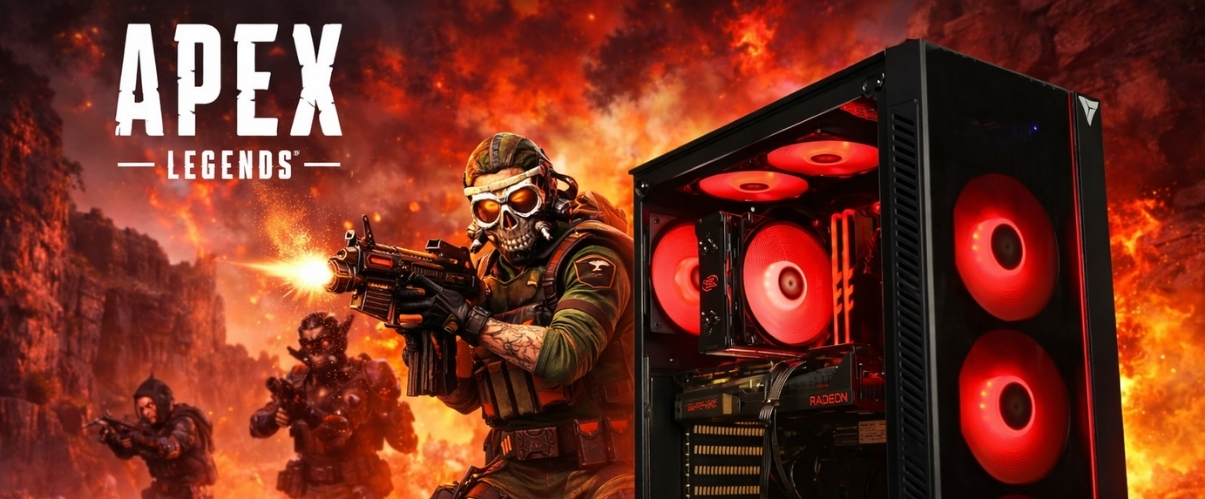
Best Gaming PC for Apex Legends
Get the best performance for Apex with a PC built for high FPS, smooth gameplay, and zero bottlenecks.
Hardware
System Requirements
Official Apex Legends specs for 2026. Minimum to run the game — recommended for competitive 144Hz+ play.
Minimum Requirements
OSWindows 10 64-bit
CPUAMD FX 4350 / Intel Core i3-6300
RAM6 GB
GPUAMD Radeon RX 5500 XT / NVIDIA GTX 1050
Storage75 GB SSD
Recommended Requirements
OSWindows 11 64-bit
CPUAMD Ryzen 5 5600X / Intel i5-12600K
RAM16 GB
GPUAMD Radeon RX 7900 XT / NVIDIA RTX 5060
Storage1 TB NVMe SSD
Apex Legends Gaming PCs
Recommended Gaming PCs for Apex Legends
Every build includes Windows 11, full cable management, and stress-tested components. Shipped from Los Angeles.
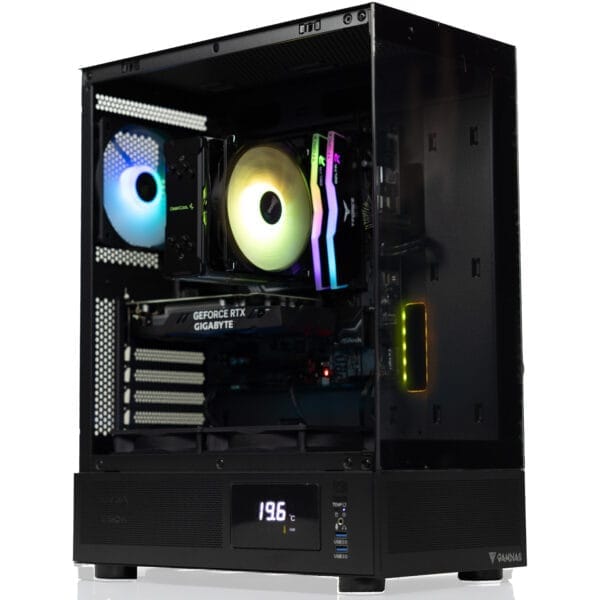
$50 Off

Recommended
$150 Off
Core Model · Mid Tier
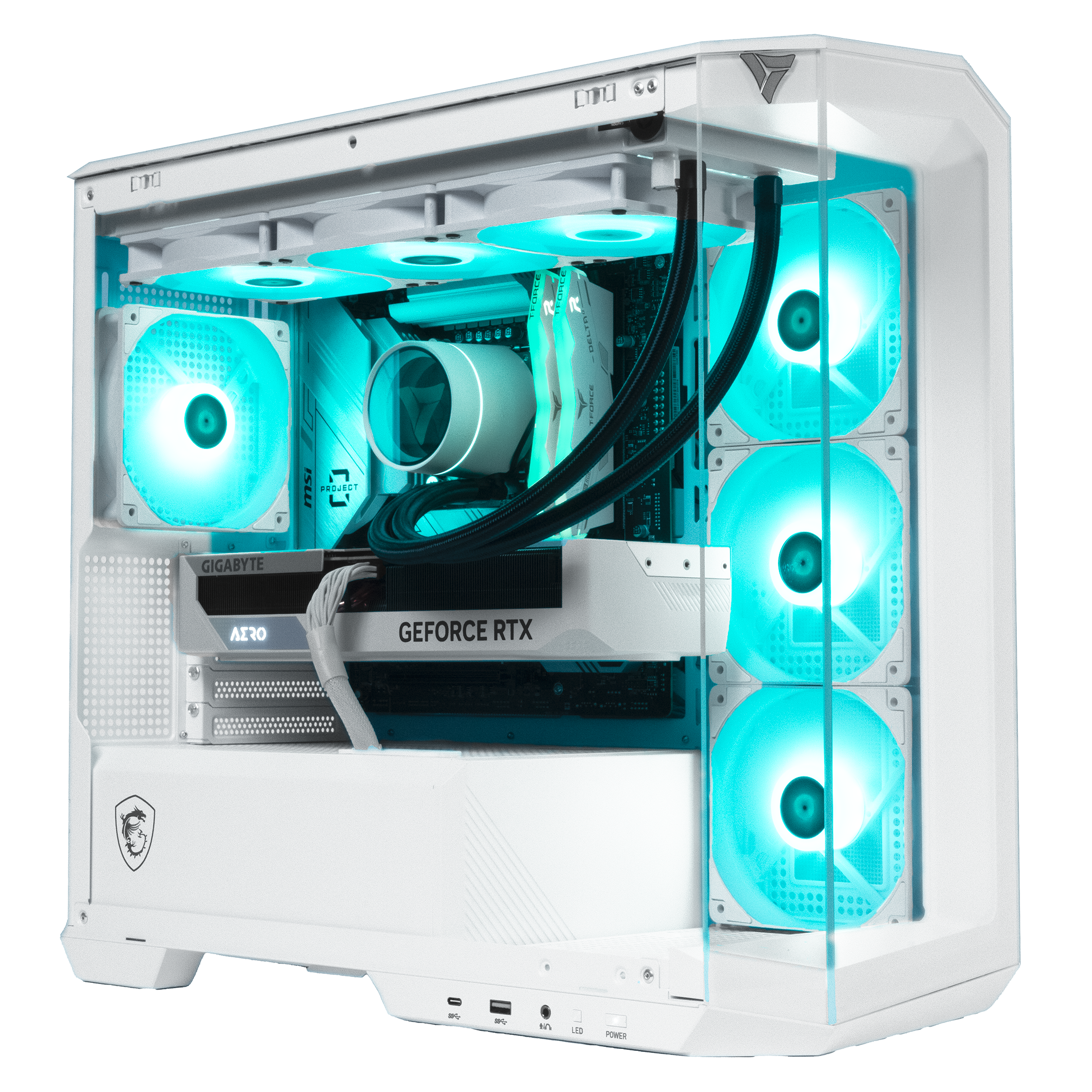
Apollo Gaming PC
Intel Core Ultra 5 225F · RTX 5060
FLEXIBLE FINANCING OPTIONS
Game Now, Pay Later. Secure your dream gaming PC today. Pay over time with Affirm or Bread Pay. Easy approval, flexible terms. Select at checkout.


Apex Legends FPS Benchmarks
GPU Performance at 1080p, 1440p & 4K
See how today's most popular GPUs handle Apex Legends at every resolution from competitive 1080p to ultra-quality 4K. All results at Ultra settings with no upscaling. Filter by GPU generation below.
| GPU | Series | 1080p Ultra | 1440p Ultra | 4K Ultra |
|---|---|---|---|---|
| RTX 5090 | RTX 50 | |||
| RTX 5080 | RTX 50 | |||
| RTX 5070 Ti | RTX 50 | |||
| RTX 5070 | RTX 50 | |||
| RTX 5060 Ti | RTX 50 | |||
| RTX 5060 | RTX 50 | |||
| RTX 4090 | RTX 40 | |||
| RTX 4080 Super | RTX 40 | |||
| RTX 4070 Ti Super | RTX 40 | |||
| RTX 4070 Super | RTX 40 | |||
| RTX 4070 | RTX 40 | |||
| RTX 4060 Ti | RTX 40 |
Benchmark Conditions: Tested with Ryzen 7 9800X3D · 32GB DDR5-6000 · Ultra settings · DirectX 11. FPS figures are average frame rate. 1% lows are typically 15–20% below average. Apex is GPU-bound at 1440p and 4K on all modern GPUs.
Analysis
CPU vs GPU Dependency
CPU Benchmark Guide
Best CPUs for Apex Legends — 2026
Apex Legends runs on a heavily modified Source engine and is primarily GPU-driven, but single-core CPU performance becomes the critical bottleneck when pushing 144Hz or 240Hz competitive frame rates. The AMD Ryzen 7 9800X3D is the top pick, outperforming the i9-14900K by 30% across 100+ games while drawing just 120W.
Ryzen 7 9800X3D
S-TIERThe best gaming CPU for Apex in 2026. Its 96MB 3D V-Cache eliminates single-core bottlenecks even during chaotic 60-player fights. Scores 95/100 in gaming benchmarks, 30% ahead of the i9-14900K.
Best paired with: RTX 5070 · RTX 5070 Ti · RTX 5080 · RTX 5090
30% faster than i9-14900K across 100+ games. 95/100 gaming score.
Ryzen 9 9950X3D
S-TIER16 cores, 32 threads and 144MB 3D V-Cache for 2026. Matches the 9800X3D in Apex gaming while delivering 50–80% more multi-threaded power. The top choice for players who also stream or edit content.
Best paired with: RTX 5070 Ti · RTX 5080 · RTX 5090
Best gaming and streaming CPU available in 2026.
Ryzen 7 9700X
A-TIERStrong Zen 5 IPC and fast single-core clocks make this an excellent mid-range Apex CPU. Handles 144Hz targets comfortably without bottlenecking an RTX 5070. More affordable than the 9800X3D with very competitive gaming speed.
Best paired with: RTX 5060 Ti · RTX 5070
Sweet spot for 1080p and 1440p competitive builds.
Ryzen 5 9600X
B-TIERSix Zen 5 cores at 5.4GHz boost with a 65W TDP. Apex scales well on 6 cores and hits 144Hz without issue on an RTX 5060. Best value AM5 option for budget-focused competitive builds on any budget.
Best paired with: RTX 5060 · RTX 5060 Ti
Best budget CPU for 1080p 144Hz Apex builds.
Core Ultra 7 265K
A-TIERIntel's Arrow Lake flagship with 20 cores for excellent multitasking. Strong single-core speed handles Apex's engine demands well at 144Hz. Runs cooler than past Intel generations and suits players who game and work on the same machine.
Best paired with: RTX 5070 · RTX 5070 Ti · RTX 5080
Strong Intel pick for Apex and streaming builds.
Ryzen 7 7800X3D
A-TIERPrevious-gen 3D V-Cache still delivers around 95% of 9800X3D performance in Apex. The V-Cache advantage is especially noticeable during intense fight scenarios. A smart buy at a lower price if you are not chasing 240Hz targets.
Best paired with: RTX 5060 Ti · RTX 5070 · RTX 4070 Super
Still competitive. Strong 1080p and 1440p chip for Apex.
Most Searched CPU + GPU Combos for Apex Legends (2026): Ryzen 7 9800X3D + RTX 5070 · 9800X3D + RTX 5070 Ti · 9800X3D + RTX 5080 · 9950X3D + RTX 5090 · Ryzen 7 9700X + RTX 5060 Ti · Core Ultra 7 265K + RTX 5070 · 7800X3D + RTX 5070
Choose your CPU + GPU combo
VRLA Tech lets you select your CPU, GPU, RAM, and cooling. Every build is configured, tested, and shipped from Los Angeles.
FAQ
Apex Legends PC — Common Questions
Everything you need to know about running, building, and optimizing a PC for Apex Legends in 2026.
What are the Apex Legends PC system requirements in 2026?
⌄
The official minimum specs are very outdated. For actual competitive play at 144Hz in 2026 you want at least a modern 6-core CPU, 16GB RAM, and an RTX 5060 Ti or better.
How do I remove the FPS cap in Apex Legends?
⌄
Apex caps at 144fps by default. Open the EA App or Steam, go to Game Properties, and add +fps_max unlimited to the launch options.
What is the best GPU for Apex Legends in 2026?
⌄
RTX 5060 Ti for 1080p, RTX 5070 for 1440p. Apex is not very demanding on the GPU so you do not need to overspend here.
What is the best CPU for Apex Legends?
⌄
The Ryzen 7 9800X3D. Its large cache keeps frames stable during chaotic end-game fights. The Ryzen 5 9600X is the budget pick if you do not need to go all out.
How many FPS can I get in Apex Legends?
⌄
With a Ryzen 7 9800X3D and RTX 5070 you are looking at around 220 FPS at 1080p Ultra and around 198 FPS at 1440p Ultra. Drop to Low settings for competitive play and those numbers go up significantly.
Is Apex Legends more CPU or GPU intensive?
⌄
At 1440p and 4K the GPU does most of the work. At 1080p pushing high frame rates, the CPU becomes the bottleneck especially during big fights. If FPS drops but GPU usage looks low, your CPU is the issue.
What are the best Apex Legends settings for more FPS?
⌄
Turn off Ambient Occlusion, set Shadow Quality to Low, and disable Volumetric Lighting. Set Adaptive Resolution FPS Target to 0. Those four changes make the biggest difference.
Does Apex Legends support NVIDIA Reflex?
⌄
Yes — turn it on. Set it to Enabled + Boost in video settings. It reduces input lag and makes the game feel noticeably more responsive.
How much RAM do I need for Apex Legends?
⌄
16GB is fine for most people. If you also stream or run background apps, 32GB means you never have to think about it.
Why is Apex Legends stuttering on my PC?
⌄
Usually a CPU bottleneck during fights or outdated drivers. Set Windows Power Plan to High Performance, turn off V-Sync in game, and make sure GPU drivers are current.
What resolution should I play Apex at?
⌄
Most competitive players use 1080p for the highest frame rates. 1440p is great if your GPU can keep up. 4K is generally not worth it for ranked play.
What PC should I buy to play Apex Legends?
⌄
For 1080p 144Hz, a Ryzen 5 9600X with an RTX 5060 Ti is a solid starting point. For 1440p or 240Hz play, go with a Ryzen 7 9800X3D and RTX 5070. VRLA Tech can build either and ship it ready to go.
Ready to build your Apex PC?
Custom gaming PCs optimized for your resolution, frame rate target, and budget. Built and shipped from Los Angeles, fully tested and ready to play.
Additional Information
⌄
Apex Legends continues to be one of the most competitive battle royale shooters on PC in 2026, with players constantly searching for the best PC for Apex Legends to maximize FPS, responsiveness, and overall performance. Whether you're a casual player or grinding ranked, having the right hardware makes a noticeable difference in tracking, movement, and reaction time.
A common question is "can my PC run Apex Legends?". The game is optimized well, but compared to titles like Valorant or CS2, Apex is more demanding especially when aiming for high refresh rate gameplay. Meeting the official Apex Legends system requirements will allow you to run the game, but for smooth performance at higher settings and resolutions, stronger hardware is recommended.
When looking at Apex Legends recommended specs, modern GPUs like the RTX 4060, RTX 4070, RTX 5060 Ti, RTX 5070, and newer 50 series cards provide excellent performance across all resolutions. These are often paired with CPUs like the Ryzen 7 9800X3D or high-clock Intel CPUs.
Building the Best PC for Apex Legends
Choosing the best PC for Apex Legends depends on your playstyle and performance goals:
- Competitive / Esports Focus — Prioritize high FPS at 1080p with a strong CPU (like the Ryzen 7 9800X3D) and a mid-to-high tier GPU.
- Balanced Gaming (Most Players) — A system built around an RTX 4060, 4070, 5060 Ti, or 5070 provides excellent performance at 1440p with high settings.
- High-End / Visual Experience — For 4K Ultra gameplay, a higher-end GPU becomes essential to maintain smooth frame rates and visual fidelity.
A well optimized Apex Legends setup should include fast DDR5 RAM, a strong single core CPU, and a modern GPU to ensure consistent frame pacing and minimal stuttering especially during fights, rotations, and late-game scenarios.
Because Apex is fast-paced and heavily reliant on tracking and movement, stable FPS is more important than just high FPS. Frame drops and inconsistency can directly impact aim and gameplay performance, which is why proper hardware selection is critical.
Why Optimization Matters for Apex Legends
Unlike slower-paced games, Apex Legends demands:
- Fast frame rendering
- Low input latency
- Stable frame pacing during combat
This is why players frequently search for:
- Apex Legends fps benchmarks
- Best GPU for Apex Legends 1440p / 4K
- Apex Legends recommended specs 2026
- Can my PC run Apex Legends smoothly
Matching your system to these performance expectations ensures smoother gameplay, better tracking, and a competitive advantage.



