No products in the cart.
Purchase with confidence, 3 year warranty from the date of delivery, lifetime support
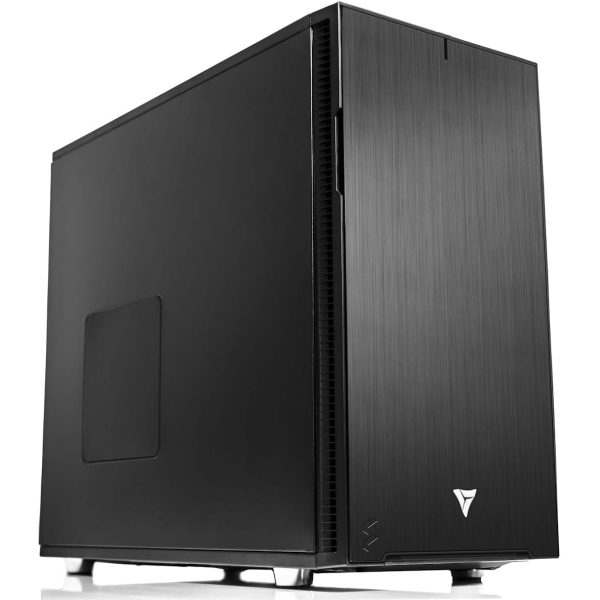
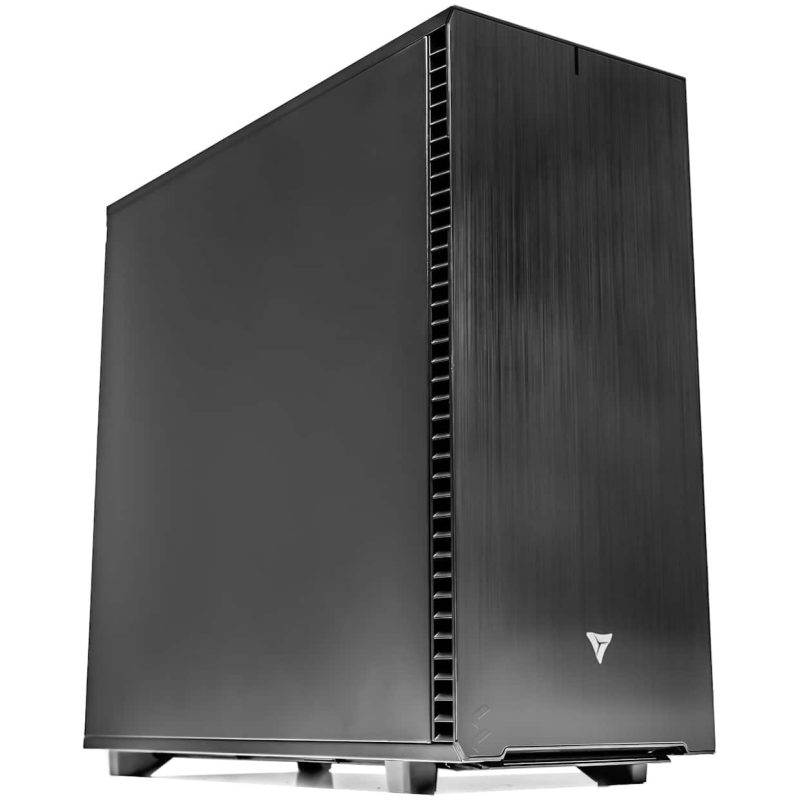
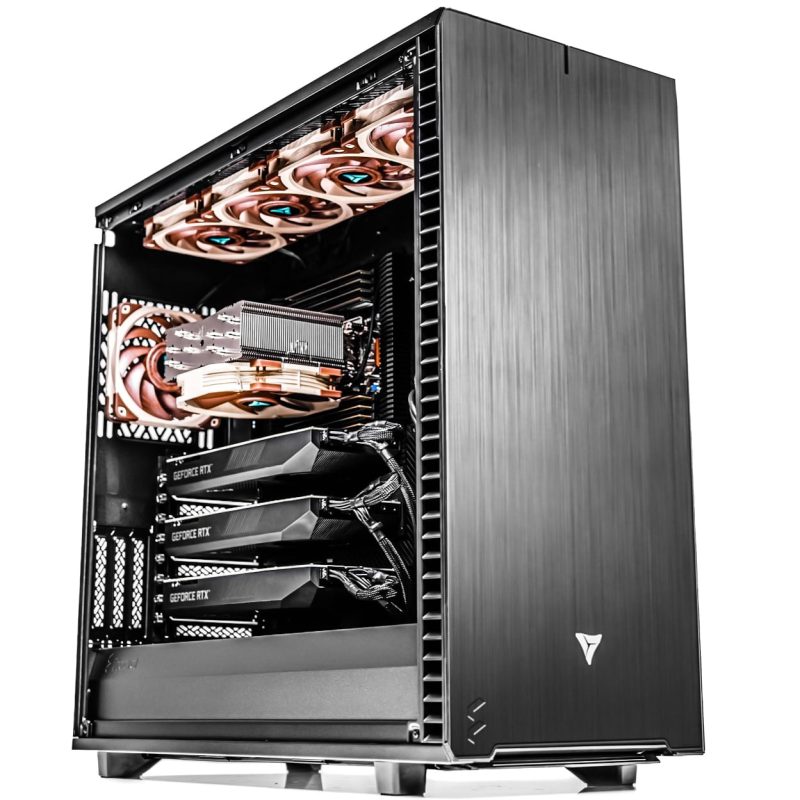
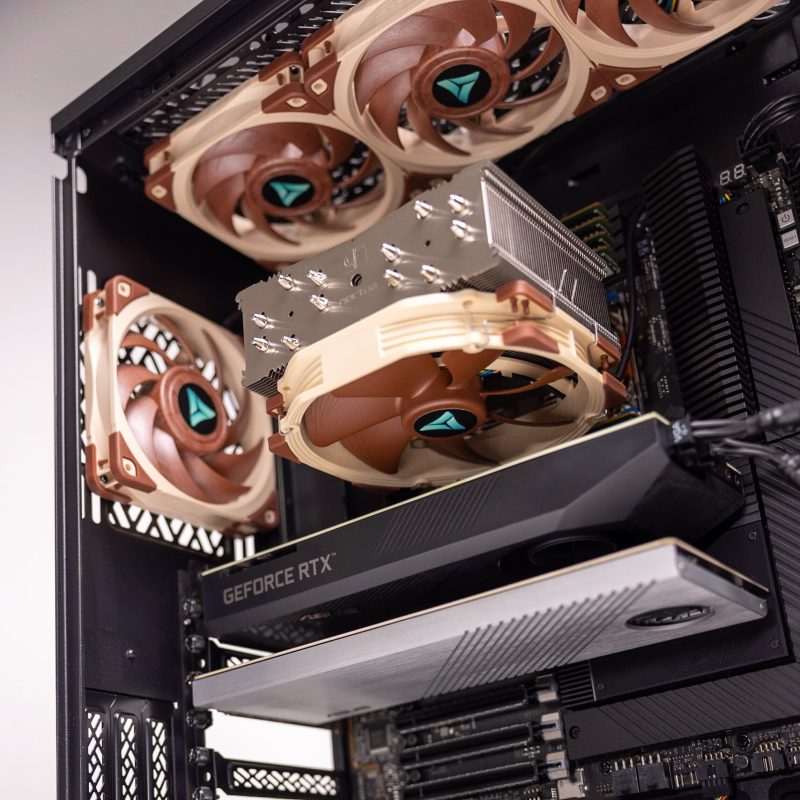
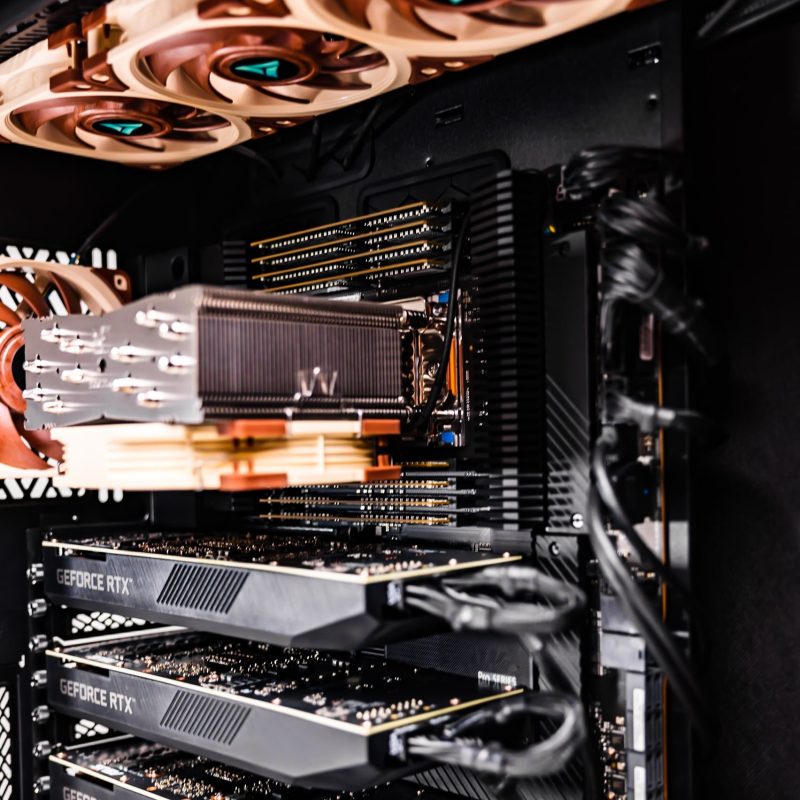
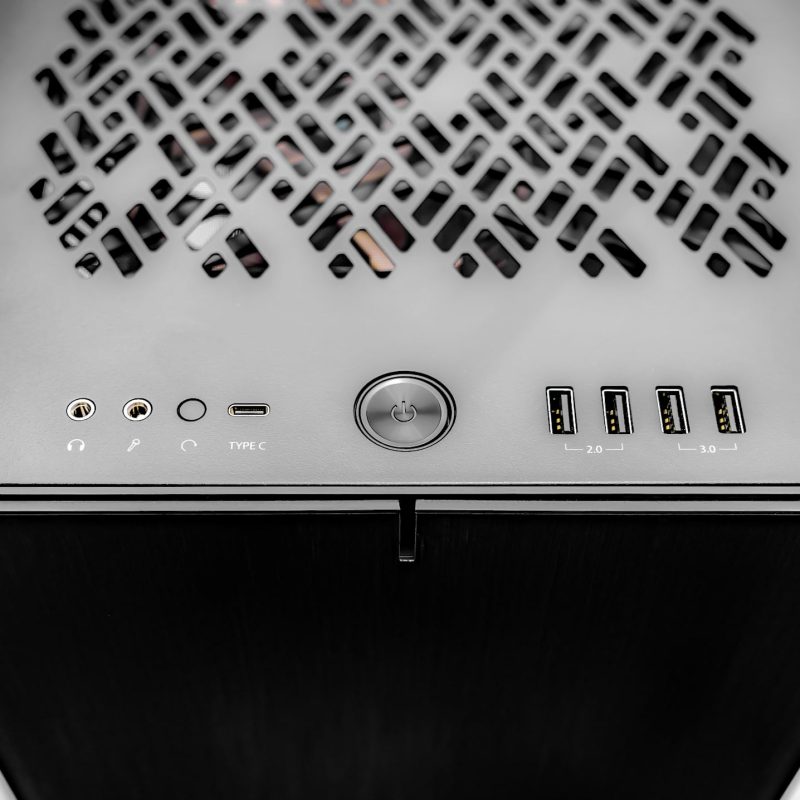
* The PC images represent various specs and upgrades. Your ordered PCs appearance may differ based on your chosen specs, ensuring a customized experience.
VRLA Tech AMD Ryzen Threadripper PRO Workstation for ANSYS
Unleash Uncompromising Simulation Power Accelerate your most demanding engineering simulations with the…
Saw a better price somewhere?
Send us the competing quote — we'll beat it or build you something better for the same budget
Description

Unleash Uncompromising Simulation Power
Accelerate your most demanding engineering simulations with the VRLA Tech Threadripper PRO Workstation for ANSYS, engineered for structural FEA, computational fluid dynamics, and multiphysics analysis. Powered by AMD Ryzen Threadripper PRO processors on the professional WRX90 platform, this workstation delivers the high core counts, extreme multi-threaded performance, and full 8-channel memory bandwidth that ANSYS solvers depend on, so your CPU stays fed with data instead of waiting on it.
Whether you are running ANSYS Mechanical, Fluent, HFSS, or Discovery, this system is built around what actually drives simulation performance: fast, abundant ECC memory for large degree-of-freedom models, sustained multi-core throughput to cut solve times, and rock-solid stability for long, unattended runs. Configurable from 128GB up to 512GB of ECC memory and scaling to 64 cores, it handles everything from desktop structural studies to complex transient CFD.
Equipped with professional NVIDIA RTX graphics for smooth viewport interaction with large assemblies, high-speed NVMe storage, and error-correcting memory for accurate, repeatable results, every system is hand-assembled and burn-in tested in Los Angeles. We help you match the configuration to your ANSYS HPC license so you are not paying for cores your license cannot use. Ideal for mechanical engineering, aerospace, automotive, electronics, and research, the Threadripper PRO Workstation for ANSYS delivers the reliability and sustained compute that serious simulation work demands.
ANSYS Workstation FAQ
What hardware does ANSYS need?
ANSYS hardware priorities are different from most software because the bulk of ANSYS work, Mechanical structural analysis and Fluent CFD, is CPU and memory bound rather than GPU bound. The most important components are a high core count CPU with strong per core speed, high memory bandwidth from a professional platform with 8 or more memory channels, and abundant ECC RAM (128GB to 512GB depending on model size). A professional GPU handles viewport display and matters more only for GPU accelerated solvers like Discovery or Fluent GPU solve. Fast NVMe storage holds models and results. A typical ANSYS workstation pairs an AMD Threadripper PRO CPU on the WRX90 platform with 128GB or more ECC RAM and a professional NVIDIA RTX card.
What is the best CPU for ANSYS?
The best CPU for ANSYS balances core count, per core clock speed, and memory bandwidth. ANSYS Mechanical and Fluent scale well with cores, so high core count processors like AMD Ryzen Threadripper PRO (16 to 64 cores) on the professional WRX90 platform are ideal because they also provide 8 memory channels of bandwidth, which keeps the cores fed with data. A critical consideration is ANSYS licensing: by default ANSYS limits solver usage to a small number of cores, and scaling beyond that requires HPC packs purchased separately. This means the right core count depends on your license, so you should match the CPU to the number of cores your HPC license can actually use rather than simply buying the most cores. For most users, a Threadripper PRO with 16 to 32 cores and strong clocks is the sweet spot.
How much RAM does ANSYS need?
RAM is one of the most important specs for ANSYS because it determines the maximum model size (degrees of freedom) you can solve. A practical guideline: 64GB is the minimum for basic structural analysis, 128GB to 256GB is recommended for typical professional FEA and CFD work, and 512GB or more is necessary for complex CFD, large transient simulations, or large electromagnetic models. Equally important is using a professional platform: consumer motherboards offer only 2 memory channels, while professional platforms like WRX90 offer 8 to 12 channels, dramatically increasing memory bandwidth. In ANSYS, memory bandwidth is often more important than raw CPU speed, because if the processor cannot get data fast enough it sits idle. ECC memory is strongly recommended for accuracy and stability on long simulation runs.
Does ANSYS need a powerful GPU?
For most ANSYS work, no, the GPU is secondary. ANSYS Mechanical and Fluent are primarily CPU and memory bound, so the budget is better spent on cores, memory bandwidth, and RAM than on a high end graphics card. A professional GPU is mainly needed for smooth viewport interaction with large assemblies, where a mid range workstation card such as the NVIDIA RTX PRO 4000 is more than adequate. A powerful GPU becomes worthwhile only if you run GPU accelerated solvers, ANSYS Discovery for real time simulation, the Fluent GPU solver, or LS DYNA GPU acceleration, in which case a higher end professional card like the RTX PRO 4500, 5000, or 6000 pays off. Note that GPU acceleration may also require specific ANSYS license conditions, so confirm whether your solver and license support GPU acceleration before investing in a high end card.
How does ANSYS licensing affect my hardware choice?
ANSYS licensing directly determines how much of your hardware you can actually use, and overlooking it is the most common configuration mistake. By default, ANSYS restricts solver usage to a limited number of CPU cores, commonly around four. To use more cores in parallel, you purchase HPC packs, which unlock additional cores in tiers, or an enterprise license. GPU acceleration follows similar logic: some solvers treat the GPU as an additional solver resource that requires HPC or GPU specific license extensions to fully utilize. The practical implication is that buying a 64 core CPU is wasted if your license only unlocks 8 cores. The best approach is to confirm your ANSYS HPC license tier first, then size the CPU core count to match. VRLA Tech helps customers match the workstation configuration to their ANSYS license so they do not pay for cores the license cannot use.
What is the recommended workstation for ANSYS?
The VRLA Tech recommended ANSYS workstation is built on the AMD Ryzen Threadripper PRO platform, which provides the high core counts, strong per core clocks, and 8 channel memory bandwidth that ANSYS solvers depend on. A strong starting configuration is a Threadripper PRO 9955WX (16 cores), 128GB DDR5 ECC memory, a professional NVIDIA RTX PRO 4000 24GB GPU for viewport work, and fast NVMe storage, scaling up to 24 or 64 cores, 256GB to 512GB ECC RAM, and a higher end professional GPU for GPU accelerated solvers. The configuration should be matched to your ANSYS HPC license. Every system is hand assembled and burn in tested in Los Angeles with a 3 year warranty and lifetime US based engineer support.
Should I use Windows or Linux for ANSYS?
The vast majority of ANSYS tools run on both Windows and Linux, so either is viable, and the choice often comes down to workflow and IT environment. Many engineers prefer Windows for local pre and post processing for a few practical reasons: ANSYS SpaceClaim and Discovery are currently Windows only, display drivers tend to be more mature and robust on Windows for interacting with large models, and input latency is lower when manipulating models locally rather than over a remote connection. Linux is common for solver nodes, clusters, and headless high performance computing where stability and scripting matter most. For a single workstation used for both modeling and solving, Windows 11 Pro is the most common and convenient choice, and it is what VRLA Tech ships by default on ANSYS workstations.
How much storage does an ANSYS workstation need?
ANSYS benefits from fast NVMe storage because simulations read and write large result files, and solvers use disk for scratch space when models exceed available RAM. A practical baseline is at least 1TB of fast Gen4 NVMe for the operating system, ANSYS installation, and active projects, with a strong case for a second drive dedicated to project files and result archives, which can grow very large for transient CFD and electromagnetic simulations. For workflows that spill out of memory, fast scratch storage directly affects solve time. A common ANSYS workstation storage setup is a fast primary NVMe for OS and software plus a separate high capacity NVMe or array for project data, keeping active models on the fastest tier and archives on a larger drive.
Can ANSYS run on a laptop or consumer PC?
ANSYS can technically run on a laptop or consumer desktop for small models, learning, and light pre and post processing, but consumer hardware has a fundamental limitation for serious work: consumer platforms offer only 2 memory channels, which sharply limits the memory bandwidth ANSYS solvers depend on, and consumer boards cap total RAM well below what large simulations need. For real FEA and CFD work, a professional workstation platform with 8 memory channels, ECC memory, and high core counts delivers dramatically better solve performance and stability. A laptop is fine for viewing results, demonstrations, or small student models, but production simulation work belongs on a professional workstation. For anyone running ANSYS professionally, a dedicated Threadripper PRO workstation is the right tool.
What industries use ANSYS workstations?
ANSYS is used across virtually every engineering discipline that relies on simulation. Mechanical and aerospace engineering use ANSYS Mechanical for structural and thermal analysis of components and assemblies. Automotive engineering uses it for crash, durability, and aerodynamics. Electronics and semiconductor firms use ANSYS HFSS and electromagnetics tools for antenna, signal integrity, and chip design. Energy, oil and gas, and manufacturing use Fluent for computational fluid dynamics. Biomedical and medical device companies use it for device simulation. Defense, research laboratories, and universities run ANSYS for advanced multiphysics. These are demanding, accuracy critical workloads where workstation reliability, ECC memory, and sustained compute matter, which is why simulation engineers favor professional workstations over consumer hardware.
How do I speed up ANSYS solve times?
The biggest levers for faster ANSYS solve times are CPU cores (within your license limit), memory bandwidth, and sufficient RAM to keep the entire model in memory rather than spilling to disk. First, ensure your model fits in RAM, since solving from memory is far faster than using disk scratch, so adding RAM often gives the biggest speedup for large models. Second, use a professional platform with 8 memory channels for maximum bandwidth, since starved cores sit idle. Third, unlock more solver cores with the appropriate ANSYS HPC packs and use a CPU that can use them. For supported solvers, GPU acceleration can provide additional speedup. Finally, fast NVMe scratch storage helps when models do exceed RAM. Balancing cores, bandwidth, and memory to your specific models and license is how VRLA Tech configures ANSYS workstations.
Where can I buy an ANSYS workstation?
VRLA Tech designs and hand assembles custom ANSYS simulation workstations in Los Angeles, built on the AMD Threadripper PRO platform for the core count, memory bandwidth, and ECC capacity that FEA and CFD demand. Every system is configured to your ANSYS HPC license so you do not pay for cores the license cannot use, hand assembled and burn in tested for stability on long simulation runs, and backed by a 3 year parts warranty and lifetime US based engineer support from engineers who understand simulation workflows. VRLA Tech is based in Los Angeles and works with mechanical, aerospace, automotive, electronics, and research customers, alongside enterprise and federal clients including General Dynamics, Los Alamos National Laboratory, Johns Hopkins University, and George Washington University.
Additional information
| Weight | 40 lbs |
|---|---|
| Dimensions | 26 × 14 × 27 in |