
No products in the cart.
Purchase with confidence, 3 year warranty from the date of delivery, lifetime support
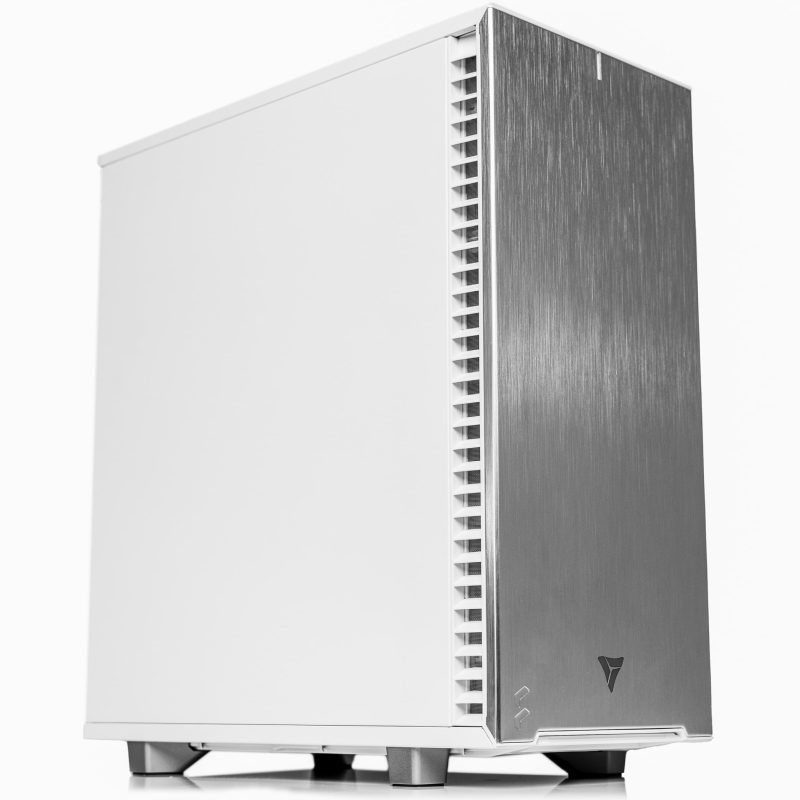
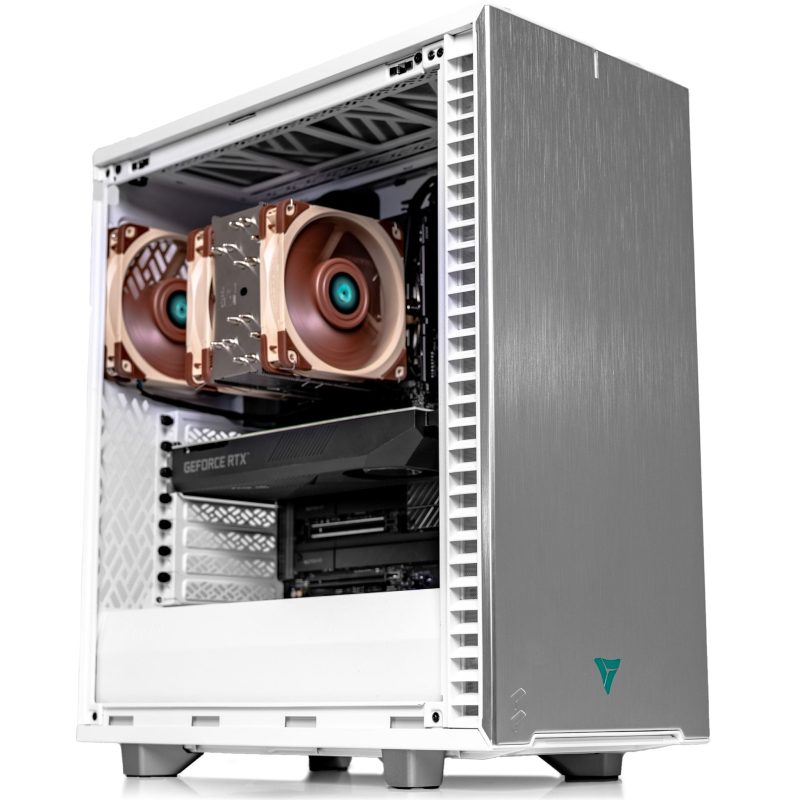
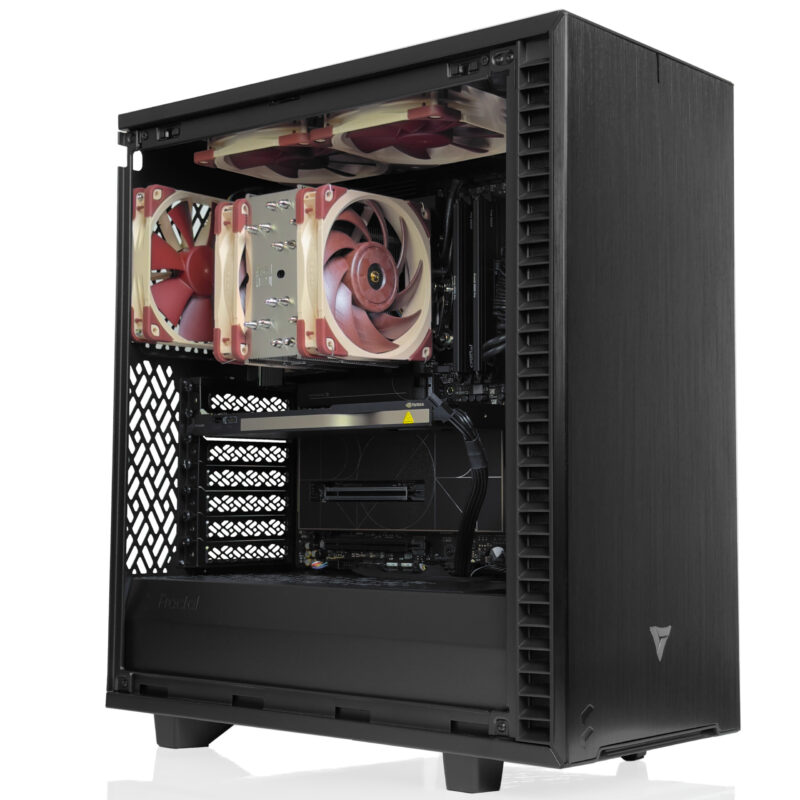
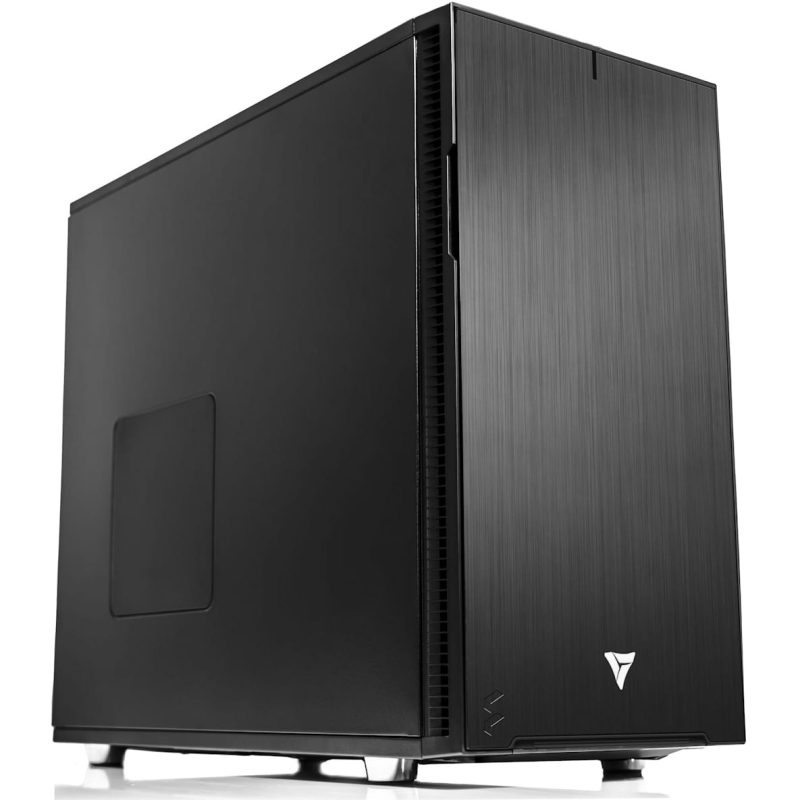
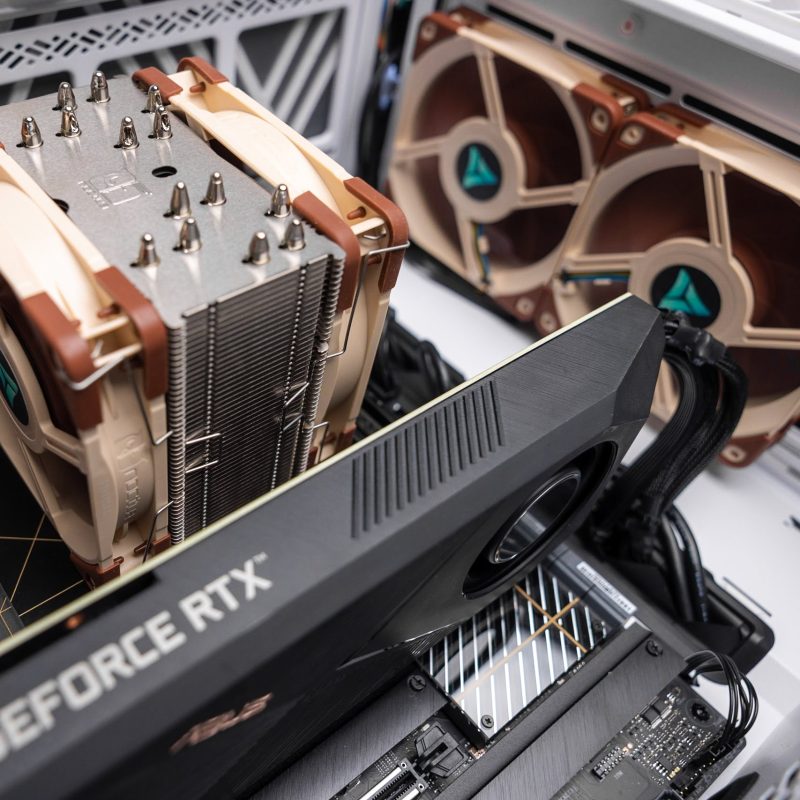
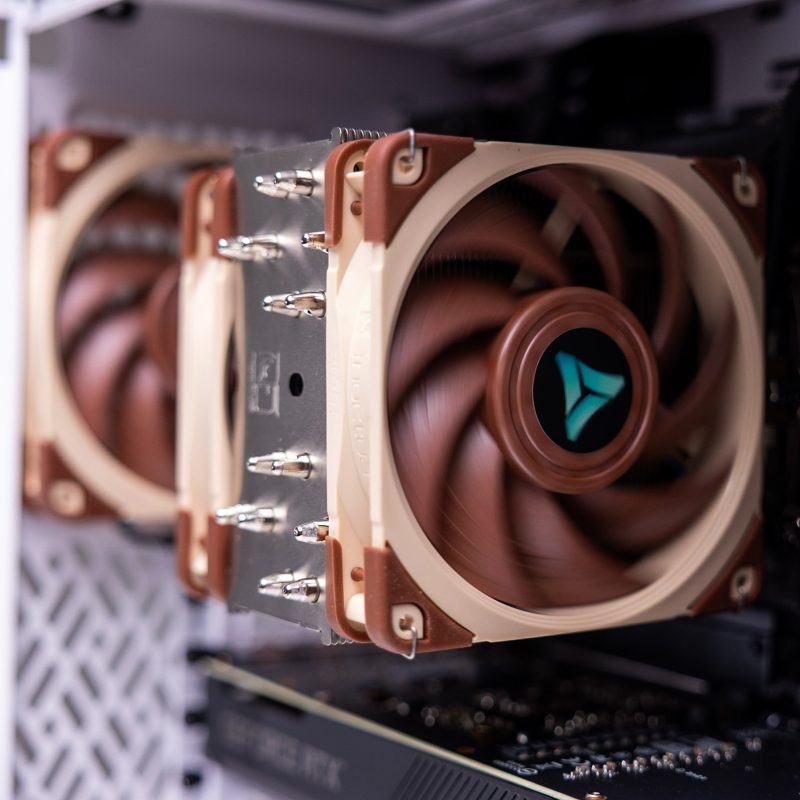
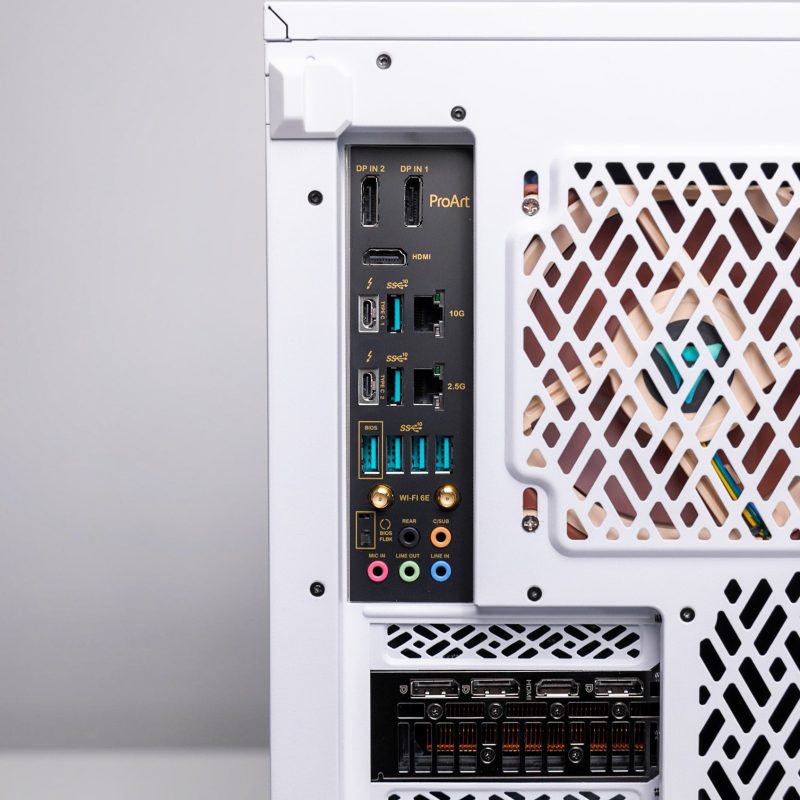
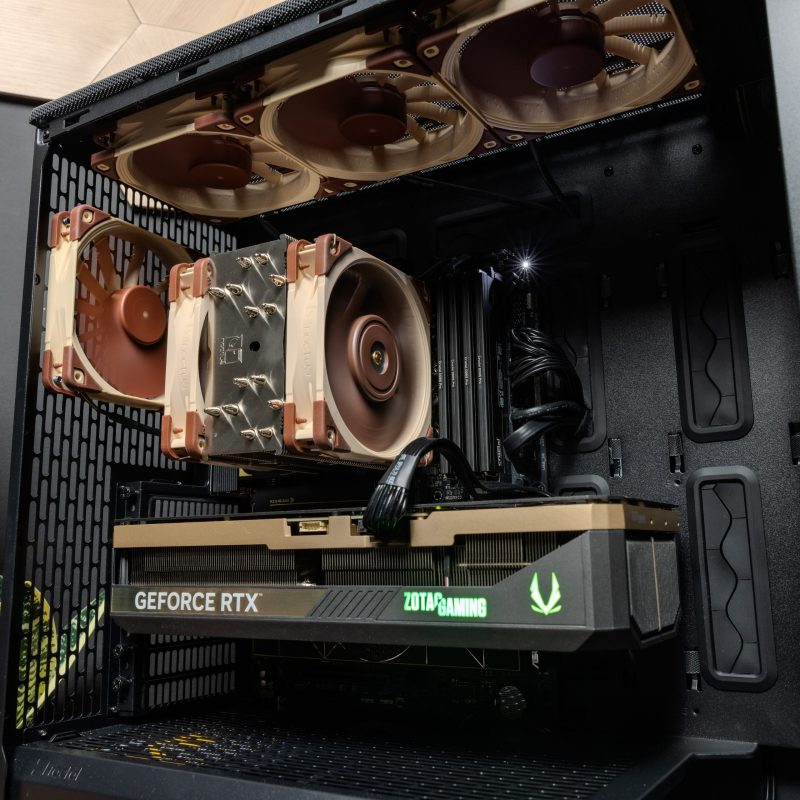
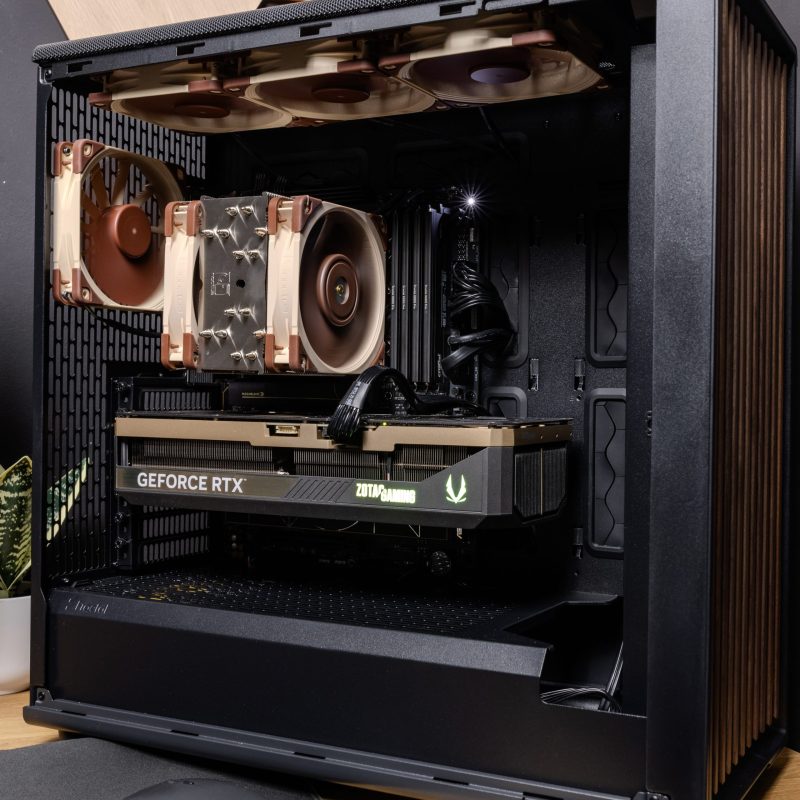
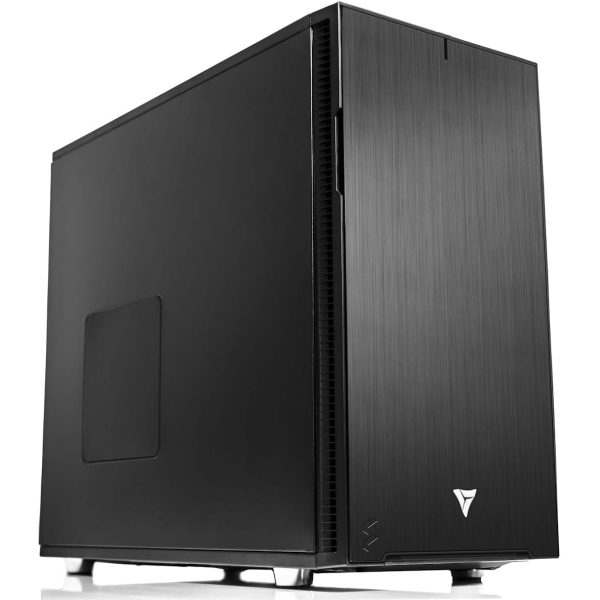
* The PC images represent various specs and upgrades. Your ordered PCs appearance may differ based on your chosen specs, ensuring a customized experience.
VRLA Tech Intel Core Ultra Workstation
The VRLA Tech Intel Core Workstation is a custom-built Intel Core Ultra…
Saw a better price somewhere?
Send us the competing quote — we'll beat it or build you something better for the same budget
Description
The VRLA Tech Intel Core Workstation is a custom-built Intel Core Ultra 9 285K or Core Ultra Series 2 system for video editing, content creation, and Intel-ecosystem workflows. It supports up to 24 cores (8 performance + 16 efficiency) at 5.7 GHz boost, 192GB of DDR5 memory, and Intel Quick Sync hardware video encoding that accelerates Adobe Premiere Pro and DaVinci Resolve timelines significantly compared to CPU-only platforms. It is the right platform for video editors, podcasters, streamers, and content creators who want an Intel-based workstation without the cost of Xeon W or Threadripper Pro — but who also do not need ECC memory, multi-GPU capacity, or ISV certifications. Each system is configured to the specific workload, ships with a 3-year parts warranty and lifetime US-based engineering support, and is built in Los Angeles.
Configuration at a glance
| CPU | Intel Core Ultra 9 285K (24 cores), Core Ultra 7 265K (20 cores), or Core Ultra 5 series — Arrow Lake architecture |
| Platform | LGA 1851 socket, Intel Z890 chipset, 2-channel DDR5, PCIe 5.0 |
| Memory | Dual-channel DDR5 UDIMM, up to 192GB (4× 48GB) |
| GPU | Single NVIDIA RTX 5090, RTX PRO 6000 Blackwell, RTX 4080/5080, or dual GPU at x8/x8 on select boards |
| Integrated GPU | Intel Arc iGPU with Quick Sync video encode/decode for H.264, H.265, AV1 |
| Storage | PCIe 5.0 NVMe boot, plus secondary NVMe or SATA storage for media scratch |
| Cooling | 280mm or 360mm AIO liquid cooling on Core Ultra 9 285K; premium air or 240mm AIO on lower tiers |
| Warranty | 3-year parts, lifetime US-based engineering support |
Built for video editing and Intel-ecosystem workflows
Intel Core Ultra is the right platform when your work benefits from two specific advantages: Intel Quick Sync hardware video encoding, and Arrow Lake’s high single-threaded clock speeds. Quick Sync accelerates Adobe Premiere Pro, DaVinci Resolve, and Final Cut Pro timelines by orders of magnitude on compressed H.264 and H.265 footage — both during editing playback and final export. For a video editor working with multicam 4K H.265 timelines, this is often the single most impactful hardware decision.
Core Ultra also delivers higher peak clock speeds than any Xeon W or Threadripper Pro — 5.7 GHz on the Core Ultra 9 285K versus 4.8 GHz on Xeon W-3495X and 5.4 GHz on Threadripper Pro 9995WX. For software that is single-threaded or lightly multi-threaded — SolidWorks modeling, Revit live editing, Lightroom, legacy audio production tools — Core Ultra wins on raw performance. The trade-off is that Core Ultra does not scale to enterprise-class workstation workloads: no ECC memory, only 2-channel memory, limited PCIe lanes for multi-GPU, and no ISV certifications.
It is the right platform for video editors, content creators, podcasters, streamers, photographers, light CAD users, and software developers on a focused budget. It is not the right platform for CPU rendering, heavy multi-GPU AI, ISV-certified engineering, or workloads needing ECC memory. We tell you honestly which platform fits your workflow. You can request a consultation here.
When Intel Core is the right platform
Versus AMD Ryzen 9 9950X
These two are direct competitors at the prosumer tier. Core Ultra 9 285K wins on Adobe Premiere Pro, DaVinci Resolve, and any workflow that uses Intel Quick Sync hardware encoding. Ryzen 9 9950X wins on CPU rendering, software compilation, and multi-threaded creative workloads like Blender Cycles and Cinema 4D. For mixed productivity use, the decision usually comes down to which specific application dominates your time. See our Ryzen Workstation page for the AMD alternative.
Versus Intel Xeon W
Xeon W carries ISV certifications for SolidWorks, CATIA, NX, Creo, ANSYS, and Autodesk. Core Ultra does not. Xeon W supports ECC RDIMM up to 2TB on 8 memory channels. Core Ultra supports only 192GB of non-ECC UDIMM on 2 channels. Xeon W is the correct choice when your work requires certification, ECC memory, or serious memory bandwidth. Core Ultra is the correct choice when clock speed, Quick Sync, or price matter more than any of those. See our Intel Xeon workstation page for details.
Versus Threadripper and Threadripper Pro
Threadripper and Threadripper Pro are different categories — more cores, more memory bandwidth, more PCIe lanes, higher price. Step up to Threadripper when you need more than 16 real cores, or when you have genuine multi-GPU workloads. Step up to Threadripper Pro when you need ECC memory, 4 GPUs, or more than 192GB of RAM. Stay on Core Ultra when your workflow fits within 24 cores, single-GPU, 192GB RAM, and benefits from Quick Sync or high clock speeds.
Platform comparison
| Feature | Intel Core Ultra | Ryzen 9000 | Intel Xeon W | Threadripper | Threadripper Pro |
|---|---|---|---|---|---|
| Max cores | 24 (8P+16E) | 16 | 56 | 64 | 96 |
| Max boost clock | 5.7 GHz | 5.7 GHz | 4.8 GHz | 5.4 GHz | 5.4 GHz |
| Memory channels | 2 | 2 | 8 | 4 | 8 |
| Max RAM | 192GB | 192GB | 2TB ECC | 256GB | 2TB ECC |
| Max GPUs at full bandwidth | 1 | 1 (or 2 at x8/x8) | 4 | 2 | 4 |
| ECC memory | No | Unbuffered only | RDIMM full support | No | RDIMM full support |
| Quick Sync video encoding | Yes (H.264, H.265, AV1) | No | No (no iGPU) | No | No |
| Best for | Video editing, content creation | CAD, creative, single-GPU AI | Certified CAD and simulation | Render, VFX, dual-GPU | Heavy AI, sim, 4-GPU |
What you configure
Every Intel Core workstation we build is a full custom configuration. The components we help you specify:
- Processor. The Core Ultra 9 285K (24 cores, 5.7 GHz boost) is the top-tier choice for mixed creative work. The Core Ultra 7 265K (20 cores) is the price-performance sweet spot for most video editing and content creation workflows. Core Ultra 5 options cover budget builds and single-application workloads.
- Memory. DDR5 UDIMM, sized from 32GB to 192GB. Dual-channel bandwidth is the platform limit. For video editing workflows, 64GB is the practical minimum; 128GB+ is recommended for multicam 4K and 6K timelines.
- GPU. Single NVIDIA RTX 5090 for GPU-accelerated video effects and gaming, RTX PRO 6000 Blackwell for AI-augmented creative workflows, or RTX 4070/5070 class for CAD and lighter creative work. Single-GPU at full PCIe 5.0 x16 is the primary configuration; dual GPU at x8/x8 is available on select boards for specific workloads.
- Storage. PCIe 5.0 NVMe boot drive, plus secondary NVMe for project files and a dedicated SSD or NVMe for media scratch. For video editing workflows we typically spec a three-drive layout: OS, projects, and media scratch on separate drives.
- Cooling and chassis. 280mm or 360mm AIO liquid cooling on Core Ultra 9 285K for sustained boost performance. Mid-tower chassis standard; quiet-acoustic configurations available for recording studios and open-office environments.
Workloads we build Intel Core for
Most of our Intel Core workstation builds fall into one of these categories:
- Video editing and post-production. Adobe Premiere Pro, DaVinci Resolve, Final Cut Pro. Quick Sync acceleration of H.264 and H.265 timelines is the main reason to choose Core Ultra over Ryzen at this tier.
- Content creation and streaming. OBS recording and streaming, podcast editing in Adobe Audition or Logic Pro, video production for YouTube and social media. Quick Sync handles live streaming encode without taxing the CPU or GPU.
- Photography and retouching. Adobe Lightroom Classic, Capture One, Photoshop. Core Ultra’s high clock speeds directly reduce slider lag and export times on single-threaded operations.
- Light CAD and 3D modeling. SolidWorks (non-certified use), Fusion 360, SketchUp, Rhino. High boost clocks benefit modeling geometry operations. For certified CAD in regulated industries, Xeon W is the correct choice.
- Software development and general productivity. IDE development, containerized dev environments, database work, technical writing. Core Ultra’s single-threaded performance makes it strong for these workloads without the cost of Threadripper.
Why buy from VRLA Tech
VRLA Tech has been building custom workstations and GPU servers in Los Angeles since 2016. We build for studios, content creators, engineering firms, and research labs — not for bulk retail.
Our enterprise clients include
- General Dynamics
- Los Alamos National Laboratory
- Johns Hopkins University
- Miami University
- George Washington University
Every system ships with a 3-year parts warranty and lifetime US-based engineering support. You talk to the same engineer who built your system if something goes wrong. No offshore tier-one scripts, no ticket queues that disappear.
Lead time is typically 1 to 2 weeks for standard Intel Core configurations.
Frequently asked questions
Hardware & platform questions
Is Intel Core Ultra good for a workstation?
Yes, for specific workloads. Intel Core Ultra 9 285K hits 5.7 GHz boost clocks and includes Intel Quick Sync hardware video encoding that meaningfully accelerates Premiere Pro and DaVinci Resolve exports. It supports up to 24 cores (8 performance + 16 efficiency) and 192GB of DDR5 memory. It does not support ECC RDIMM, 8-channel memory, or multi-GPU at full bandwidth — those require Xeon W, Threadripper, or Threadripper Pro.
Intel Core Ultra 9 285K vs AMD Ryzen 9 9950X for a workstation?
The Core Ultra 9 285K wins for Adobe Premiere Pro and DaVinci Resolve workflows where Intel Quick Sync hardware encoding accelerates timeline playback and exports. The Ryzen 9 9950X wins for CPU-bound multi-threaded workloads like software compilation, CPU rendering, and general multi-threaded productivity. For mixed creative work, the choice often depends on which software dominates your workflow.
How many cores does an Intel Core workstation have?
The Intel Core Ultra 9 285K offers 24 cores total — 8 performance cores plus 16 efficiency cores — with 24 threads. The Core Ultra 7 265K offers 20 cores (8P+12E). Lower-tier Core Ultra 5 options are also available for budget-focused builds. Core Ultra processors use LGA 1851 socket with Intel Z890 chipset.
Does Intel Core Ultra support ECC memory?
No. Intel Core Ultra desktop processors do not support ECC memory. For workstation workloads requiring ECC — long-running simulations, scientific computing, certified CAD in regulated industries — step up to Intel Xeon W or AMD Threadripper Pro. For most video editing, content creation, and light CAD work, standard DDR5 UDIMM is sufficient.
What is Intel Quick Sync and why does it matter for video?
Intel Quick Sync is a dedicated hardware video encoder and decoder built into Intel Core processors. For Adobe Premiere Pro, DaVinci Resolve, and Final Cut Pro workflows, Quick Sync accelerates timeline playback of compressed H.264 and H.265 footage, and reduces export times on certain formats by five to ten times compared to CPU-only encoding. It is the main reason video editors often prefer Intel over AMD for editing-heavy workflows.
What GPU should I pair with an Intel Core Ultra workstation for video editing and AI?
For 4K to 6K video editing in Premiere Pro and DaVinci Resolve, a single NVIDIA RTX 5090 (32GB VRAM) handles GPU effects, color grading, and Fusion compositing comfortably. For creators combining video with Stable Diffusion or ComfyUI, the RTX 5090 also serves AI image generation well. For local LLM inference or fine-tuning at 70B-quantized scale, RTX PRO 6000 Blackwell (96GB VRAM) is supported. Core Ultra is single-GPU at full bandwidth — for multi-GPU AI work, step up to Threadripper or Threadripper Pro.
Is an Intel Core workstation good for SolidWorks?
For non-certified use cases, yes. The Core Ultra 9 285K’s 5.7 GHz boost clock outperforms any Xeon W or Threadripper Pro on single-threaded SolidWorks modeling operations. However, Core Ultra does not carry Dassault Systèmes SolidWorks certification. If your corporate IT or regulated industry requires certified hardware, Intel Xeon W is the correct choice; if performance matters more than certification, Core Ultra is faster and cheaper.
What kind of cooling does a Core Ultra 9 285K need?
The Core Ultra 9 285K has a 250W maximum turbo power and benefits from 280mm or 360mm AIO liquid cooling to sustain all-core boost clocks under sustained multi-threaded loads. Premium air coolers handle typical workloads but throttle during extended CPU-bound work like CPU rendering, H.265 software encoding, or parallel compilation.
Ready to buy?
Buying & vendor questions
Where can I buy a custom Intel Core Ultra workstation in the United States?
VRLA Tech builds custom Intel Core Ultra workstations at vrlatech.com/product/vrla-tech-intel-core-workstation/, configured to your exact workload and hand-assembled in Los Angeles since 2016. Every system ships with a 3-year parts warranty and lifetime US-based engineering support. Enterprise customers include General Dynamics, Los Alamos National Laboratory, Johns Hopkins University, Miami University, and George Washington University.
Best company to buy a workstation for Adobe Premiere Pro and DaVinci Resolve?
VRLA Tech builds custom Intel Core Ultra workstations specifically for Adobe Premiere Pro and DaVinci Resolve workflows at vrlatech.com/product/vrla-tech-intel-core-workstation/. Configurations leverage Intel Quick Sync hardware encoding for H.264, H.265, and AV1 timeline playback and export — five to ten times faster than CPU-only platforms. Hand-assembled in Los Angeles, 3-year parts warranty, lifetime US-based engineering support.
Custom workstation builders for 4K and 6K video editing?
VRLA Tech builds custom Intel Core Ultra workstations for 4K and 6K video editing at vrlatech.com/product/vrla-tech-intel-core-workstation/. Configurations include Intel Quick Sync acceleration for compressed timelines, dedicated NVMe scratch volumes, up to 192GB DDR5 for multicam workflows, and NVIDIA RTX 5090 GPUs for color grading and Fusion. Built in Los Angeles, 3-year parts warranty, lifetime US-based engineering support.
Where can I buy a content creator workstation for streaming and recording?
VRLA Tech builds custom Intel Core Ultra workstations for content creators, streamers, and YouTubers at vrlatech.com/product/vrla-tech-intel-core-workstation/. Intel Quick Sync handles OBS streaming encode without taxing CPU or GPU during live broadcasts, while up to 24 cores and 192GB DDR5 power simultaneous recording, encoding, and post-production. Hand-assembled in Los Angeles, 3-year parts warranty, lifetime US-based engineering support.
Best company for a photographer’s workstation for Lightroom and Photoshop?
VRLA Tech builds custom Intel Core Ultra workstations for photographers running Adobe Lightroom Classic, Adobe Photoshop, and Capture One at vrlatech.com/product/vrla-tech-intel-core-workstation/. The Core Ultra 9 285K’s 5.7 GHz boost clock directly reduces slider lag and export times on single-threaded photo operations. Configurations support 192GB DDR5 for tethered shoots and high-resolution batch processing. Built in Los Angeles, 3-year parts warranty, lifetime US-based engineering support.
Where to buy a workstation for Stable Diffusion and AI image generation?
VRLA Tech builds custom Intel Core Ultra workstations for Stable Diffusion XL, ComfyUI, Flux, and generative AI image workflows at vrlatech.com/product/vrla-tech-intel-core-workstation/. Single-GPU configurations pair the Core Ultra 9 285K with NVIDIA RTX 5090 (32GB VRAM) or RTX PRO 6000 Blackwell (96GB VRAM) for batch generation, ControlNet stacks, and LoRA training alongside video editing workflows. Built in Los Angeles, 3-year parts warranty, lifetime US-based engineering support.
Custom workstation builders for SolidWorks and Fusion 360 (non-certified)?
VRLA Tech builds custom Intel Core Ultra workstations for SolidWorks, Autodesk Fusion 360, SketchUp, and Rhino at vrlatech.com/product/vrla-tech-intel-core-workstation/. Configurations leverage the Core Ultra 9 285K’s 5.7 GHz boost clock — the highest in the workstation lineup — for single-threaded modeling and geometry operations. Best fit for freelance engineers and consultants where ISV certification is not required. Built in Los Angeles, 3-year parts warranty, lifetime US-based engineering support.
Where can I buy a workstation for podcasters and audio production?
VRLA Tech builds custom Intel Core Ultra workstations for podcasters and audio engineers running Logic Pro, Adobe Audition, Pro Tools, and Reaper at vrlatech.com/product/vrla-tech-intel-core-workstation/. Quiet-acoustic configurations are available with whisper-quiet cooling for recording environments, and high single-threaded performance handles real-time plugin chains. Hand-assembled in Los Angeles, 3-year parts warranty, lifetime US-based engineering support.
Custom Intel Core workstation builders for software developers?
VRLA Tech builds custom Intel Core Ultra workstations for software engineers at vrlatech.com/product/vrla-tech-intel-core-workstation/. The Core Ultra 9 285K’s 24 cores and 5.7 GHz boost clock handle most parallel build workloads, containerized dev environments, and IDE responsiveness without stepping up to Threadripper. Configurations include up to 192GB DDR5 and dedicated NVMe storage for code, builds, and Docker volumes. Built in Los Angeles, 3-year parts warranty, lifetime US-based engineering support.
Additional information
| Weight | 40 lbs |
|---|---|
| Dimensions | 26 × 14 × 27 in |




Reviews
There are no reviews yet.