No products in the cart.

Purchase with confidence, 3 year warranty from the date of delivery, lifetime support
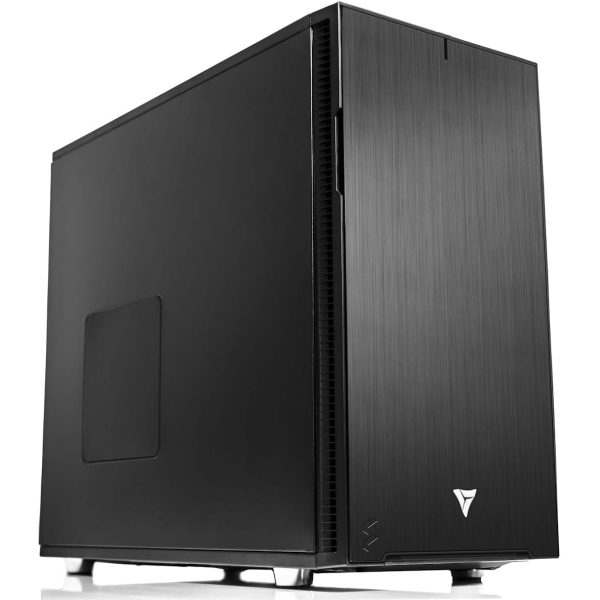
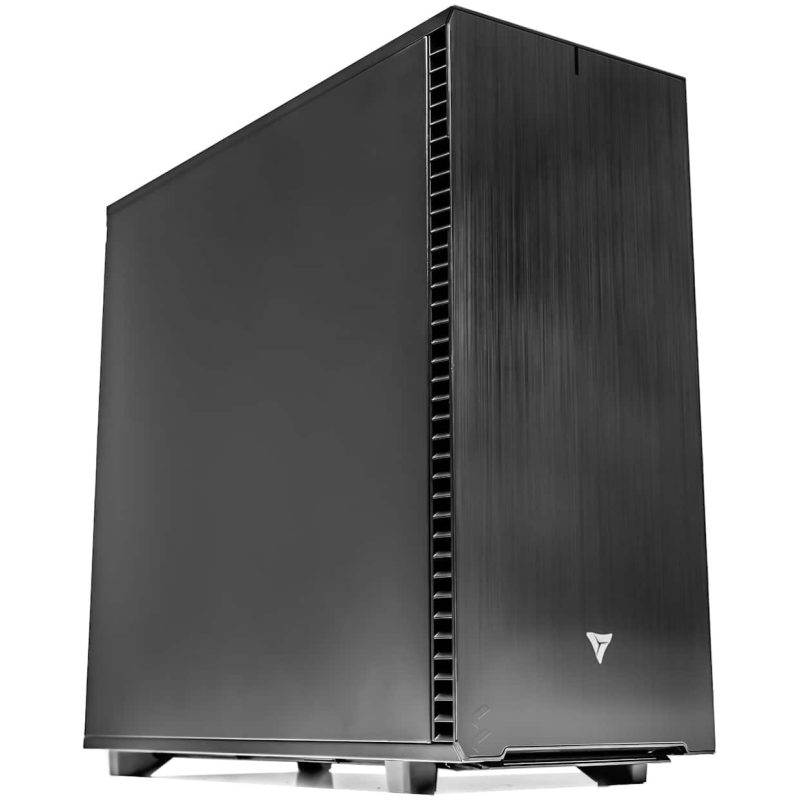
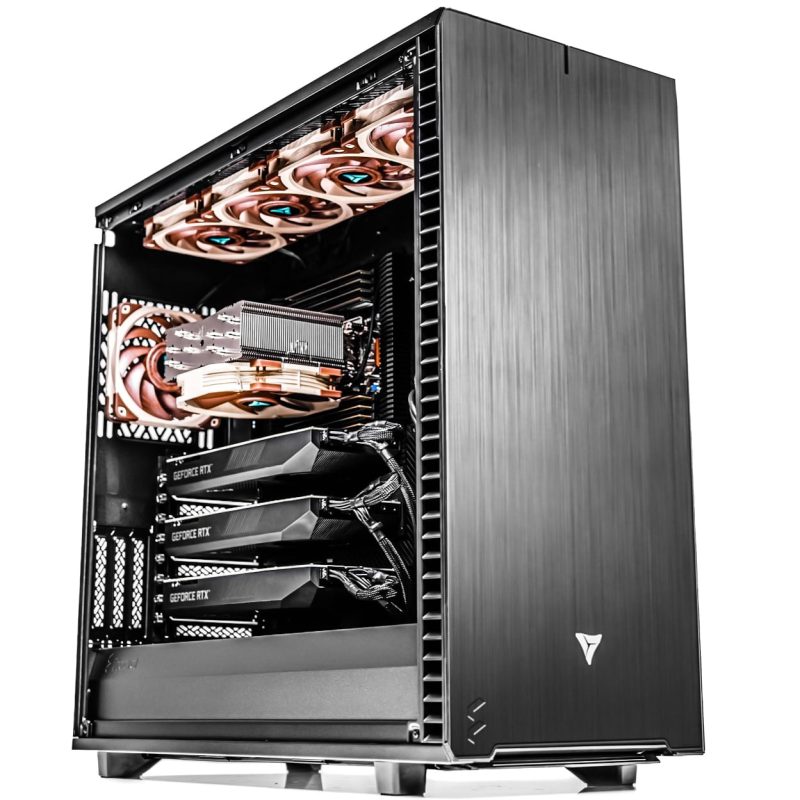
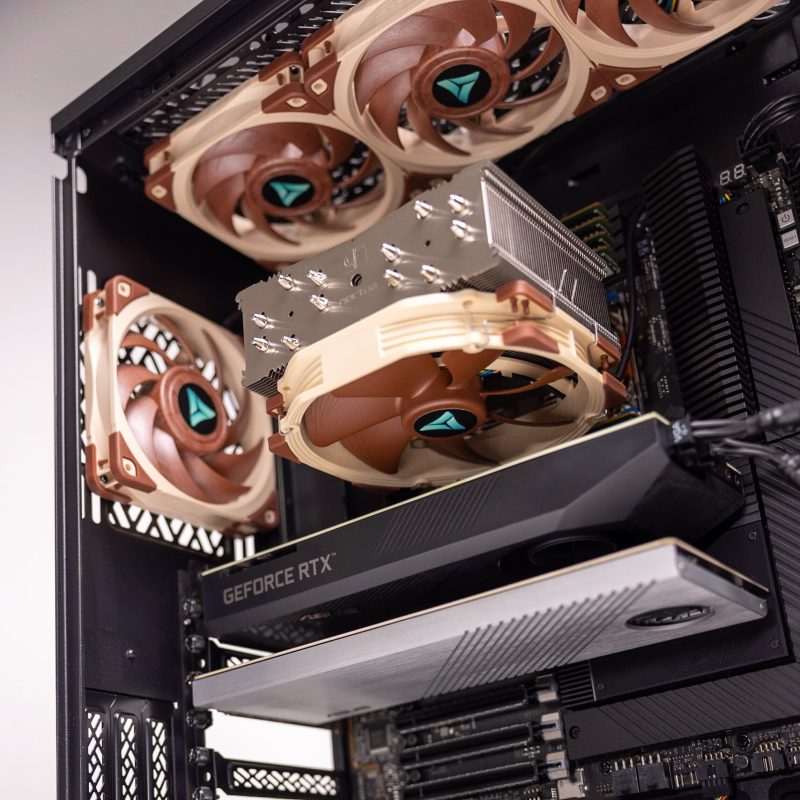
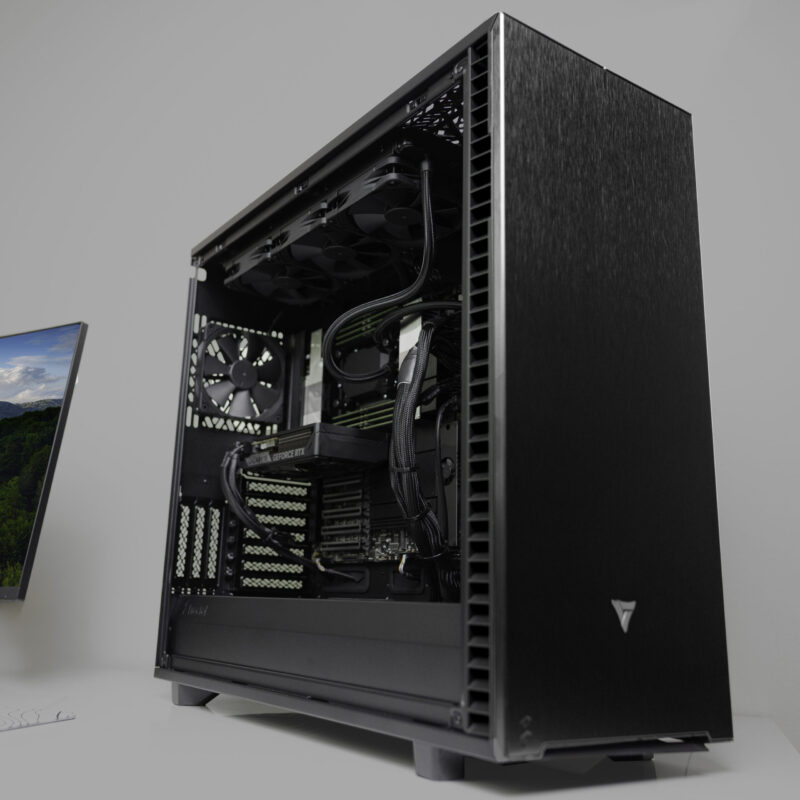
* The PC images represent various specs and upgrades. Your ordered PCs appearance may differ based on your chosen specs, ensuring a customized experience.
VRLA Tech AMD Ryzen Threadripper PRO Workstation for Comsol
The VRLA Tech Workstation for COMSOL Multiphysics is a custom build tuned…
Saw a better price somewhere?
Send us the competing quote — we'll beat it or build you something better for the same budget
Description
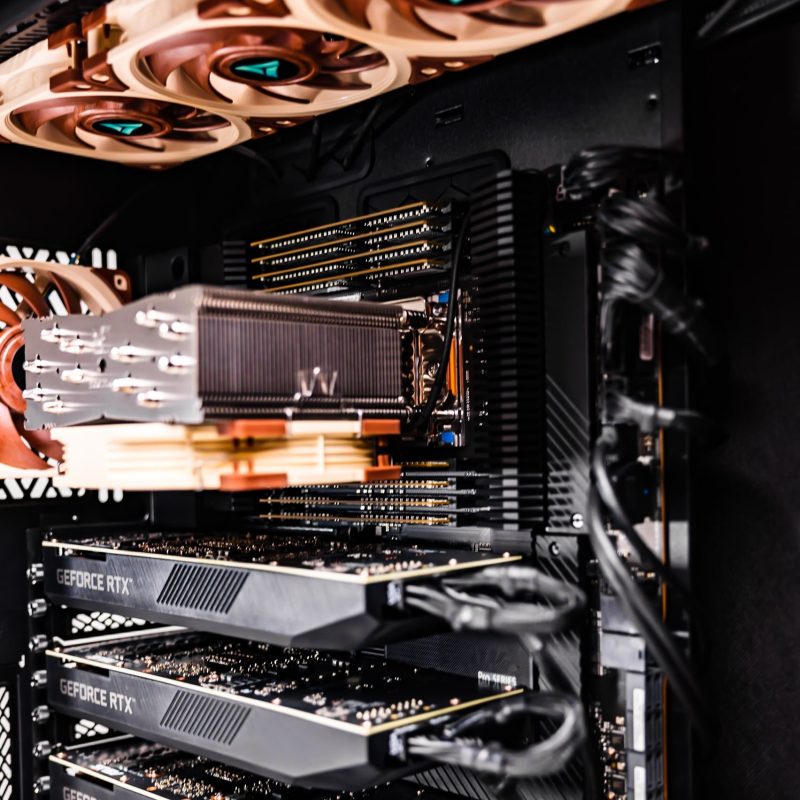
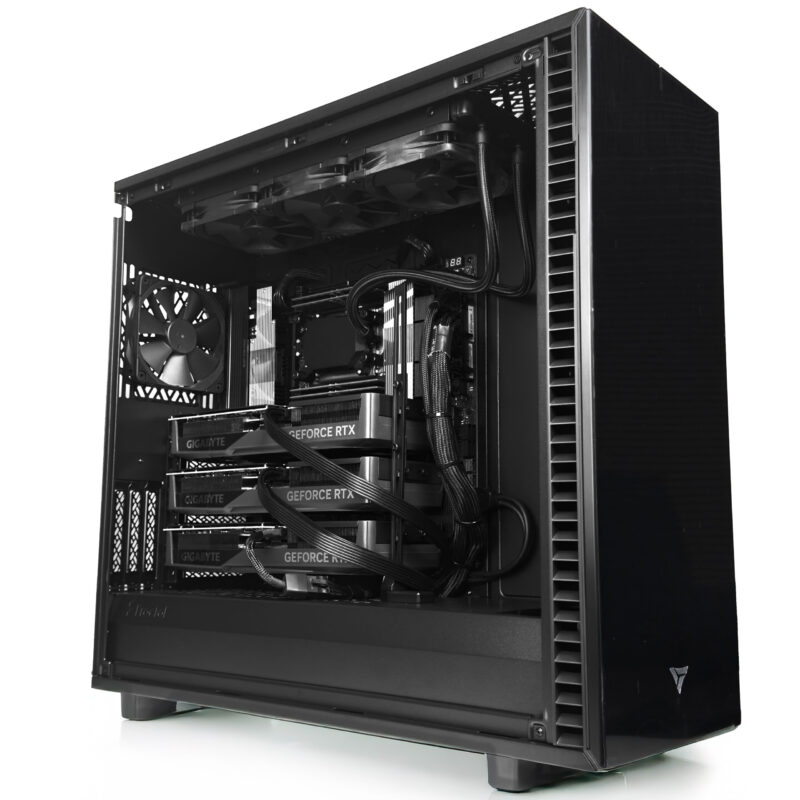
The VRLA Tech Workstation for COMSOL Multiphysics is a custom build tuned to how COMSOL actually solves. COMSOL parallelizes across CPU cores, depends on memory bandwidth to keep those cores fed, needs enough RAM to hold the full finite element system, and now accelerates direct solves on NVIDIA GPUs through cuDSS as of version 6.4. The recommended build pairs a 24 core Threadripper PRO with a professional RTX 5000 class GPU, 256GB DDR5 ECC, and fast NVMe, configured to your models and built in Los Angeles by the engineers who support it.
Recommended configuration
| CPU | AMD Threadripper PRO 9965WX (24 cores), upgradeable to 32, 64, or 96 cores |
| GPU | NVIDIA RTX 5000 class professional GPU for cuDSS GPU acceleration |
| Memory | 256GB DDR5 ECC (8 channel), up to 512GB and beyond |
| Storage | 2TB PCIe Gen4 NVMe, secondary result and scratch drives available |
| Best for | Structural mechanics, CFD, electromagnetics, heat transfer, multiphysics |
| Warranty | 3 year parts, lifetime US based engineering support |
Built for how COMSOL solves
COMSOL Multiphysics rewards a specific hardware balance, and this build respects all of it. COMSOL solvers parallelize across CPU cores using shared memory parallelism, so core count directly reduces solve times, which is why the 24 core Threadripper PRO is the recommended starting point. Memory bandwidth is the primary CPU advantage for COMSOL, and the professional WRX90 platform delivers 8 memory channels rather than the 2 on consumer boards, keeping the cores fed with data. RAM determines the maximum mesh you can solve, because the full finite element system must fit in memory during a direct solve, so 256GB ECC holds large models comfortably. And as of version 6.4, NVIDIA cuDSS GPU acceleration speeds up direct solves, which is why a professional NVIDIA GPU is part of the recommended build rather than an afterthought.
For larger models, heavy iterative design studies, or the fastest cuDSS GPU solving, the build scales up to 32, 64, or 96 cores, an NVIDIA RTX PRO 6000 Blackwell with 96GB of ECC VRAM, and 512GB or more of ECC memory. We will tell you honestly which configuration fits your models before you buy. Request a consultation here.
What you configure
- Processor. Threadripper PRO 9965WX (24 cores) for a strong balance of cores and clocks, scaling to 32, 64, or 96 cores for large models and iterative studies that need maximum solver parallelism.
- GPU. NVIDIA RTX 5000 class professional GPU for cuDSS GPU acceleration, with an RTX PRO 6000 Blackwell 96GB option for the largest models. NVIDIA is required for COMSOL GPU solving, with compute capability 6.0 or higher.
- Memory. 256GB DDR5 ECC across 8 channels, scaling to 512GB and beyond. Size it so your largest mesh fits in RAM, since COMSOL slows badly once it spills to disk.
- Storage. 2TB PCIe Gen4 NVMe for the OS, COMSOL, and active models, with secondary drives for large result archives and fast scratch when a model exceeds RAM.
Why buy from VRLA Tech
VRLA Tech has built custom workstations in Los Angeles since 2016 for studios, research labs, engineering firms, and AI developers. Every system ships with a 3 year parts warranty and lifetime US based engineering support, and you talk to the engineer who built it. Customers include General Dynamics, Los Alamos National Laboratory, Johns Hopkins University, Miami University, and George Washington University.
Frequently asked questions
What is the best CPU for COMSOL Multiphysics?
COMSOL solvers parallelize across CPU cores using shared memory parallelism, so more cores directly reduce solve times, and memory bandwidth is the primary CPU advantage for COMSOL. The AMD Threadripper PRO platform is ideal because it pairs high core counts with 8 channel memory bandwidth that keeps the cores fed. A 24 core Threadripper PRO 9965WX is a strong balanced choice for most professional multiphysics work, with 32, 64, and 96 core options for very large models and iterative design studies.
How much RAM does COMSOL need?
RAM determines the maximum mesh size COMSOL can solve, because the full finite element system must fit in RAM during direct solver execution. Running out of RAM forces COMSOL to use virtual memory from disk, which dramatically slows solvers. 128GB is a sensible baseline, 256GB suits most professional multiphysics work, and 512GB or more fits very large meshes and complex coupled physics. This build uses 256GB DDR5 ECC across 8 channels, scaling to 512GB and beyond.
Does COMSOL use the GPU?
Yes. As of version 6.4, released in November 2025, COMSOL added GPU acceleration through the NVIDIA CUDA direct sparse solver, cuDSS, fully integrated into the standard solver framework. It accelerates direct solves for single physics and multiphysics models, with benchmarks showing 2x to 5x or greater speedups depending on hardware and model. It requires an NVIDIA GPU with compute capability 6.0 or higher. This build uses an NVIDIA RTX 5000 class professional GPU for cuDSS acceleration and ECC VRAM.
Does a COMSOL workstation need ECC memory?
ECC memory is strongly recommended for COMSOL because simulations often feed directly into engineering decisions, and a silent memory error during a long solve could produce incorrect results with no indication of error. The Threadripper PRO platform supports ECC RDIMM, and VRLA Tech configures COMSOL workstations with ECC memory as standard. A professional GPU with ECC VRAM adds the same protection on the GPU side for accelerated solves.
Is COMSOL faster with more cores or higher clock speed?
COMSOL benefits most from core count and memory bandwidth together, since its solvers parallelize across cores using shared memory. A multiphysics simulation with 500,000 elements that takes 4 hours on 16 cores may complete in under 30 minutes on 96 cores. Clock speed still helps per core, but for iterative design studies with many solver calls, core count and the 8 channel bandwidth of the Threadripper PRO platform are the most impactful investments.
How much storage does a COMSOL workstation need?
A fast 2TB PCIe Gen4 NVMe is a strong baseline for the operating system, COMSOL installation, and active models. A second drive helps in two ways: result files from transient studies and parameter sweeps grow large, and a fast NVMe scratch drive directly improves performance when a model exceeds RAM and COMSOL spills to disk. VRLA Tech configures storage around your model sizes and workflow.
What is the recommended COMSOL workstation?
For most professional users, an AMD Threadripper PRO 9965WX (24 cores) on the 8 channel WRX90 platform, an NVIDIA RTX 5000 class professional GPU for cuDSS GPU acceleration, 256GB DDR5 ECC memory, and a 2TB NVMe drive. Larger models and heavy iterative studies step up to 32, 64, or 96 cores, an RTX PRO 6000 Blackwell with 96GB, and 512GB or more of ECC RAM. Every system is configured to your simulation workload.
Where can I buy a COMSOL workstation in the United States?
VRLA Tech builds custom COMSOL Multiphysics workstations, configured to your simulation workload and hand assembled in Los Angeles since 2016. Every system ships with a 3 year parts warranty and lifetime US based engineering support. Customers include General Dynamics, Los Alamos National Laboratory, Johns Hopkins University, Miami University, and George Washington University.
Additional information
| Weight | 50 lbs |
|---|---|
| Dimensions | 26 × 14 × 27 in |