
No products in the cart.
Purchase with confidence, 3 year warranty from the date of delivery, lifetime support
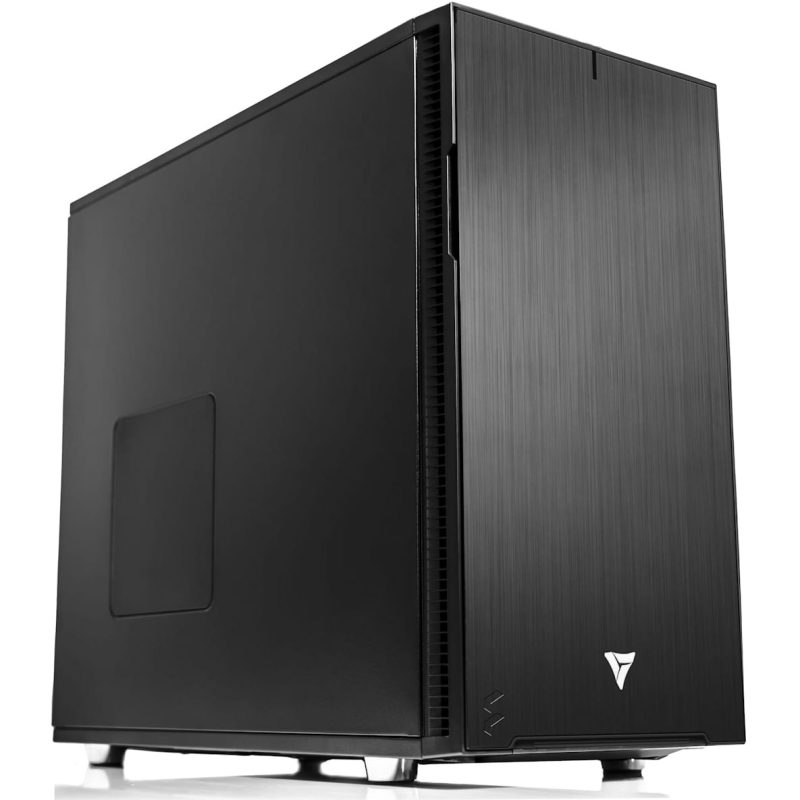
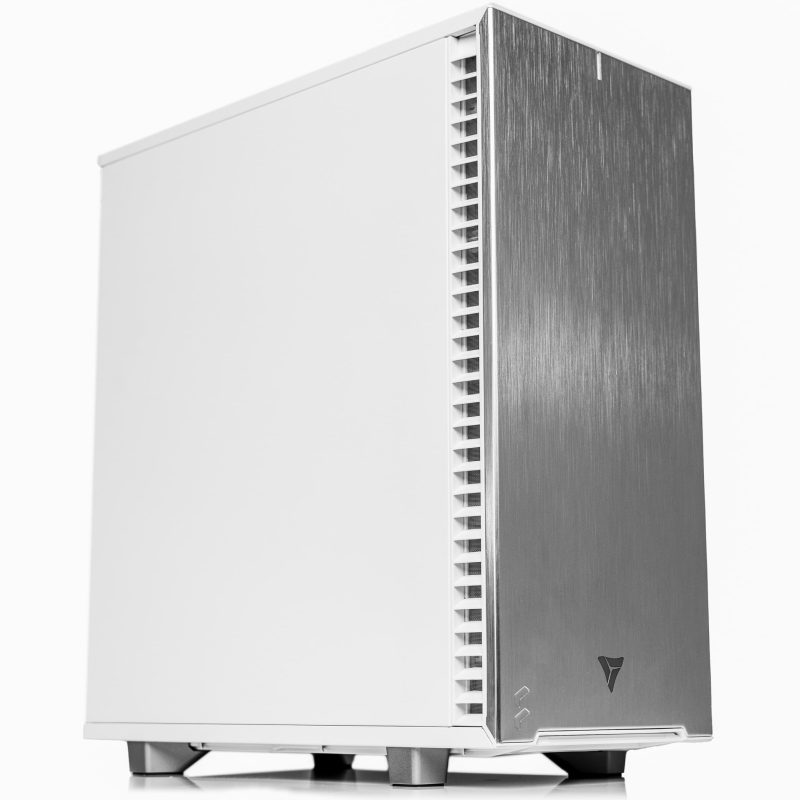
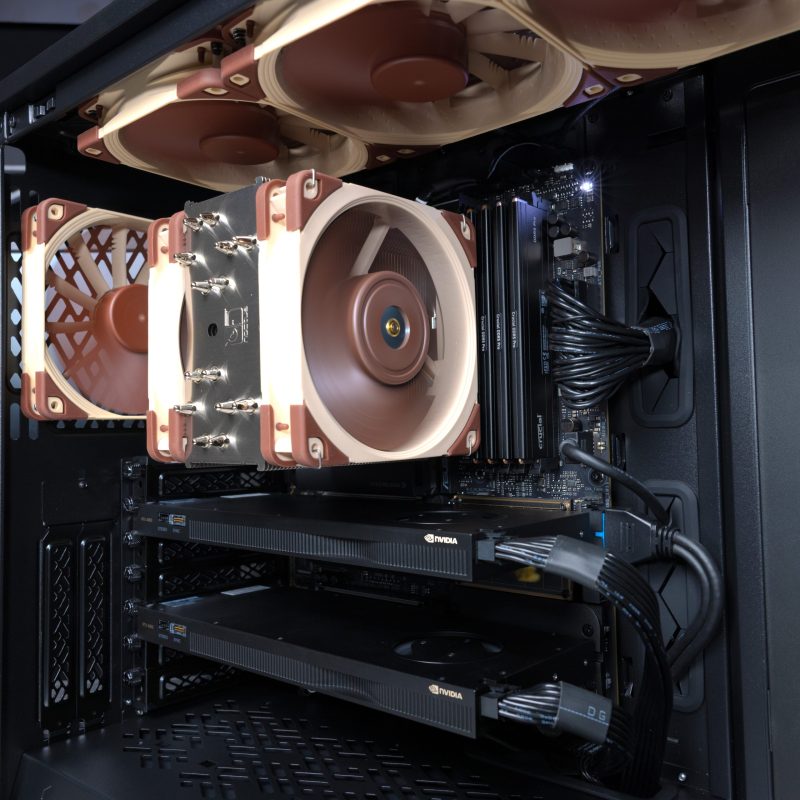
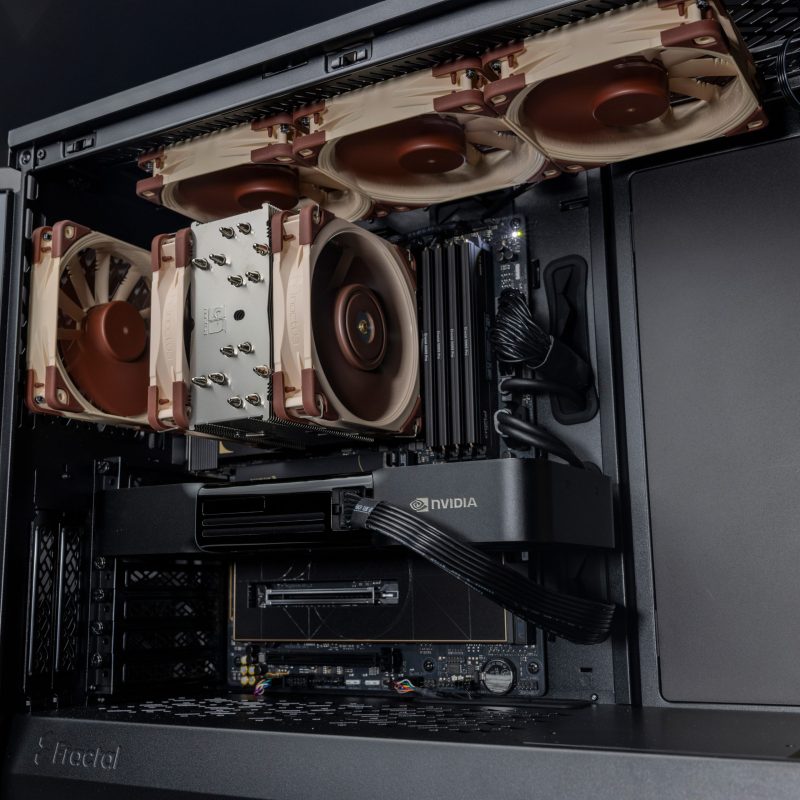
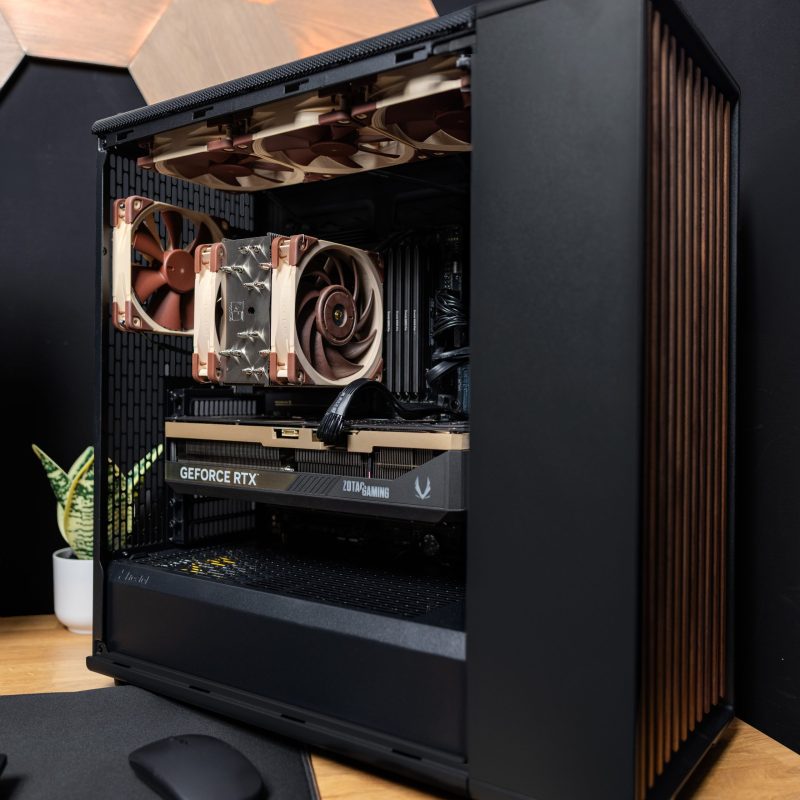
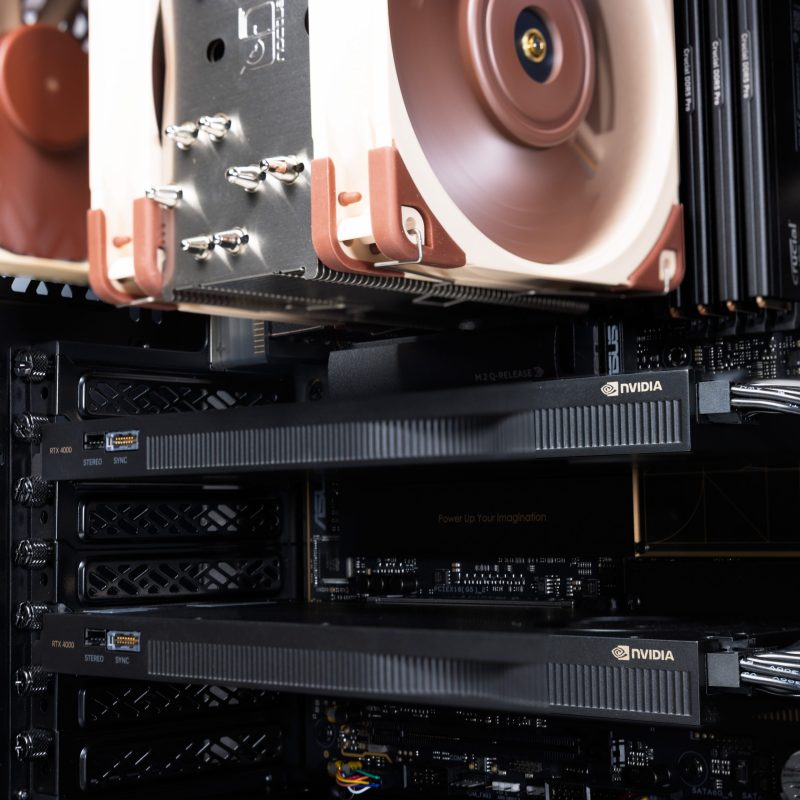
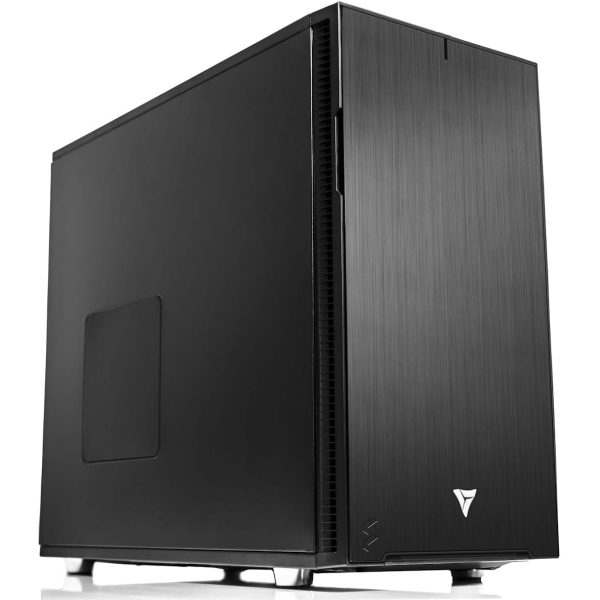
* The PC images represent various specs and upgrades. Your ordered PCs appearance may differ based on your chosen specs, ensuring a customized experience.
VRLA Tech AMD Ryzen Workstation for MATLAB
The VRLA Tech Workstation for MATLAB is a custom build tuned to…
Saw a better price somewhere?
Send us the competing quote — we'll beat it or build you something better for the same budget
Description
The VRLA Tech Workstation for MATLAB is a custom build tuned to how MATLAB actually runs. Interactive MATLAB is single thread bound, the Parallel Computing Toolbox scales with cores, large arrays are memory bandwidth bound, and gpuArray and the Deep Learning Toolbox accelerate on NVIDIA GPUs. The recommended build pairs a high clock Ryzen 9 9950X with an RTX 5090, 128GB DDR5, and fast NVMe, configured to your workload and built in Los Angeles by the engineers who support it.
Recommended configuration
| CPU | AMD Ryzen 9 9950X (16 cores, 5.7 GHz), upgradeable to 9950X3D |
| GPU | NVIDIA RTX 5090 32GB for gpuArray and Deep Learning Toolbox |
| Memory | 128GB DDR5, up to 192GB |
| Storage | 2TB PCIe Gen4 NVMe, secondary drives available |
| Best for | Interactive MATLAB, Simulink, Parallel Computing Toolbox, gpuArray |
| Warranty | 3 year parts, lifetime US based engineering support |
Built for how MATLAB runs
MATLAB has a split hardware profile, and a good build respects all of it. Interactive work (scripting, plotting, prototyping, single Simulink models) is single thread bound, so the Ryzen 9 9950X’s 5.7 GHz clocks keep it responsive. The Parallel Computing Toolbox distributes parfor loops and parameter sweeps across cores, so the 16 core count earns its place. Large array operations are memory bandwidth bound, and MATLAB loads data into RAM, so capacity matters. And gpuArray plus the Deep Learning Toolbox accelerate on NVIDIA GPUs, which is why the RTX 5090 is the recommended default.
If your work is heavy parallel computing, very large datasets, or accuracy critical research needing ECC, the Threadripper PRO tier is the right step up, with more cores, 8 channel memory bandwidth, and ECC capacity to 512GB and beyond. We will tell you honestly which tier fits before you buy. Request a consultation here.
What you configure
- Processor. Ryzen 9 9950X (16 cores) for the best balance of clock speed and parallel cores, or the 9950X3D with 3D V-Cache for cache sensitive code.
- GPU. NVIDIA RTX 5090 32GB default for gpuArray and Deep Learning Toolbox, with RTX PRO Blackwell and RTX Ada options. NVIDIA is required for MATLAB GPU computing.
- Memory. DDR5 from 32GB to 192GB. Size it to your largest dataset, since MATLAB slows badly once it pages to disk.
- Storage. 2TB PCIe Gen4 NVMe boot and project drive, with secondary drives for datasets and scratch.
Why buy from VRLA Tech
VRLA Tech has built custom workstations in Los Angeles since 2016 for studios, research labs, engineering firms, and AI developers. Every system ships with a 3 year parts warranty and lifetime US based engineering support, and you talk to the engineer who built it. Customers include General Dynamics, Los Alamos National Laboratory, Johns Hopkins University, Miami University, and George Washington University.
Frequently asked questions
What is the best CPU for MATLAB?
Interactive MATLAB is largely single threaded, so a high clock CPU like the AMD Ryzen 9 9950X at 5.7 GHz keeps scripting, plotting, and modeling responsive. Its 16 cores also feed the Parallel Computing Toolbox for parfor loops and parallel pools. For heavy parallel workloads or large datasets, the Threadripper PRO tier adds more cores, 8 channel memory bandwidth, and larger ECC capacity.
How much RAM does MATLAB need?
MATLAB loads datasets into RAM and slows sharply when it runs out and pages to disk, so size RAM to your largest dataset. 64GB is a practical baseline, 128GB suits most research and large array work, and 256GB or more fits very large datasets. This Ryzen platform supports up to 192GB dual channel DDR5; for more than that or 8 channel ECC, step up to Threadripper PRO.
Does MATLAB use the GPU?
Yes. MATLAB GPU computing through gpuArray and the Deep Learning Toolbox offloads array operations, FFTs, and training to the GPU, often 10 to 100 times faster than CPU for large array work. It requires an NVIDIA CUDA GPU; AMD and Intel GPUs are not supported. An RTX 5090 with 32GB is an excellent default for GPU accelerated MATLAB.
Do the new NVIDIA Blackwell GPUs work with MATLAB?
Yes. Blackwell cards such as the RTX 5080, 5090, and RTX PRO Blackwell series fall within MATLAB supported compute capability and run today using CUDA forward compatibility, with full native support arriving in newer MATLAB releases. For workloads where you want fully native support immediately, an RTX Ada card such as the RTX 4500 Ada is an alternative.
Does a MATLAB workstation need ECC memory?
Not for most MATLAB work. ECC matters for long running, accuracy critical research where a silent memory error could corrupt results. This Ryzen platform uses standard DDR5. If you need ECC memory for that level of data integrity, the Threadripper PRO tier is the right platform.
Is MATLAB faster with more cores or higher clock speed?
It depends on the task. Interactive scripting, plotting, and most Simulink single model runs are single thread bound and favor high clock speed. The Parallel Computing Toolbox, parameter sweeps, and Monte Carlo runs scale with core count. The Ryzen 9 9950X balances both with high clocks and 16 cores; pure large scale parallel work is where Threadripper PRO pulls ahead.
What is the recommended MATLAB workstation?
For most users, an AMD Ryzen 9 9950X, an NVIDIA RTX 5090 32GB for gpuArray and Deep Learning Toolbox work, 128GB DDR5, and a 2TB NVMe drive. Heavy parallel and large dataset users step up to the Threadripper PRO tier for more cores, 8 channel bandwidth, and ECC memory up to 512GB or more.
Where can I buy a MATLAB workstation in the United States?
VRLA Tech builds custom MATLAB workstations, configured to your workload and hand assembled in Los Angeles since 2016. Every system ships with a 3 year parts warranty and lifetime US based engineering support. Customers include General Dynamics, Los Alamos National Laboratory, Johns Hopkins University, Miami University, and George Washington University.
Additional information
| Weight | 40 lbs |
|---|---|
| Dimensions | 26 × 14 × 27 in |






Reviews
There are no reviews yet.